
Create your digital menu in minutes
Digital menus and table ordering for restaurants, cafés and hotels.


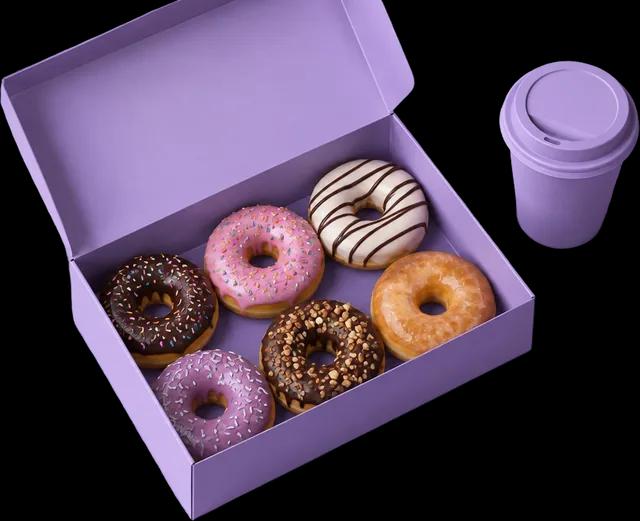
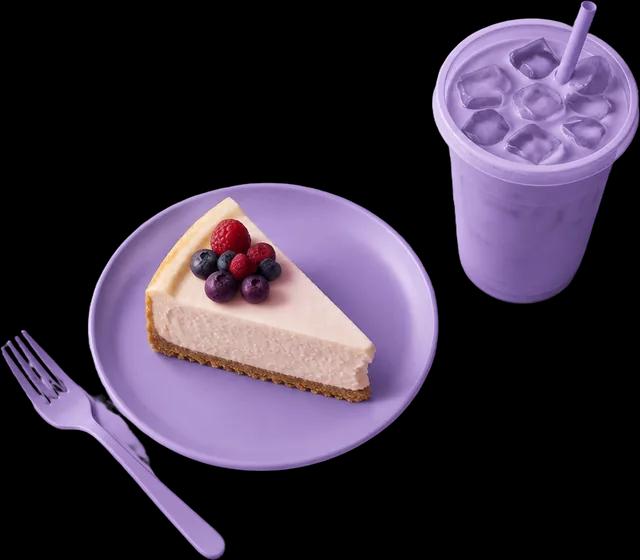
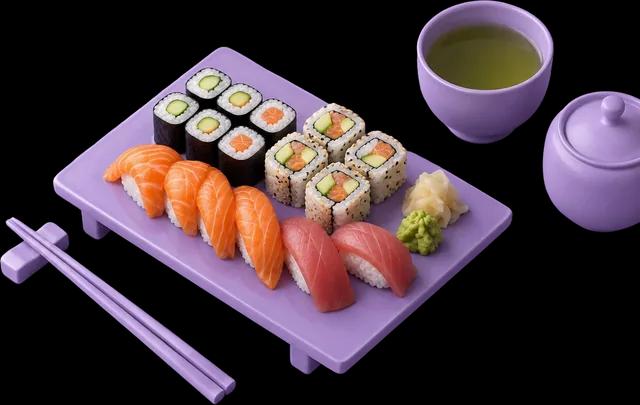
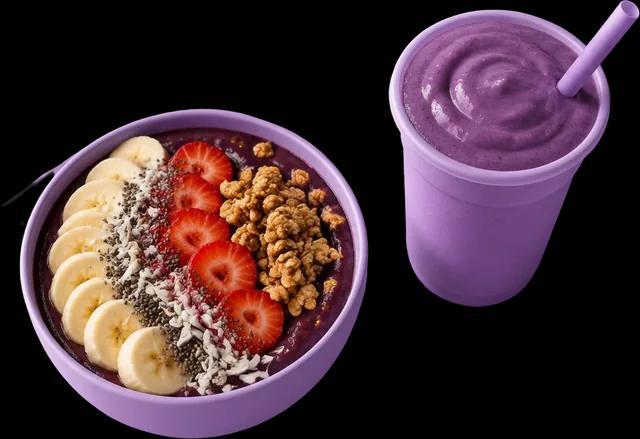
From photos to a full menu, fast
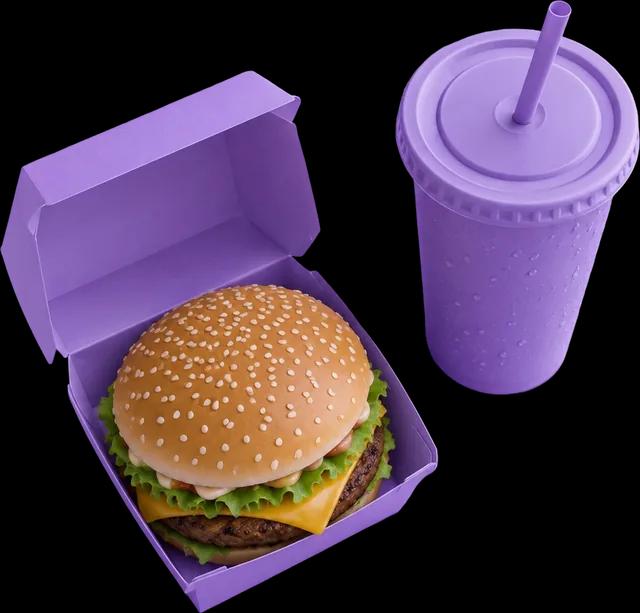
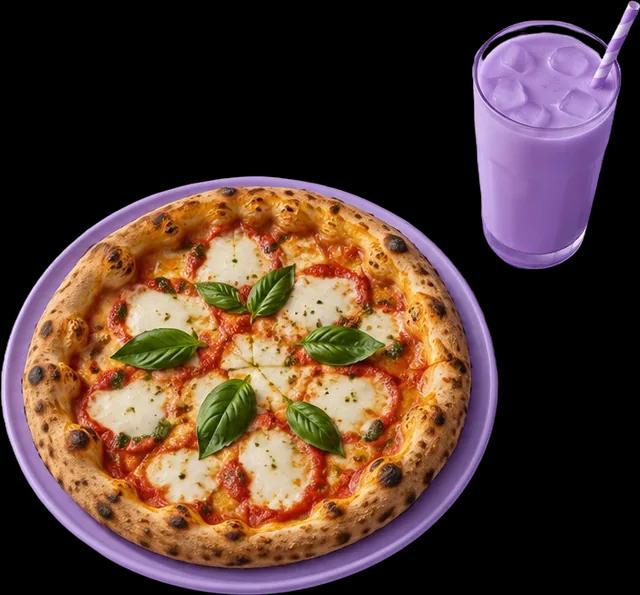
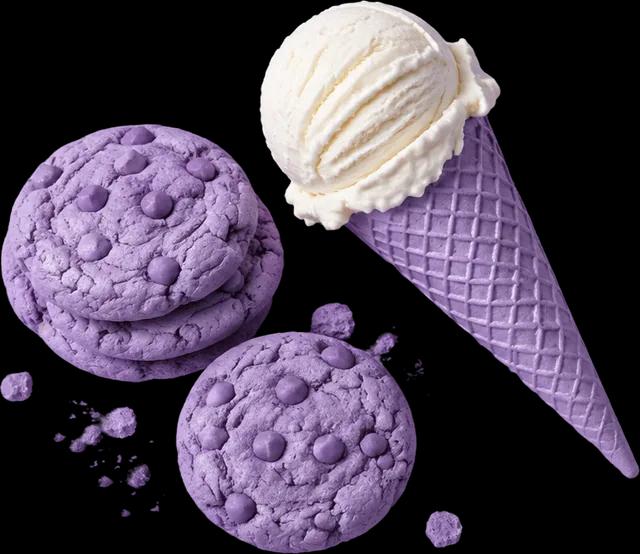
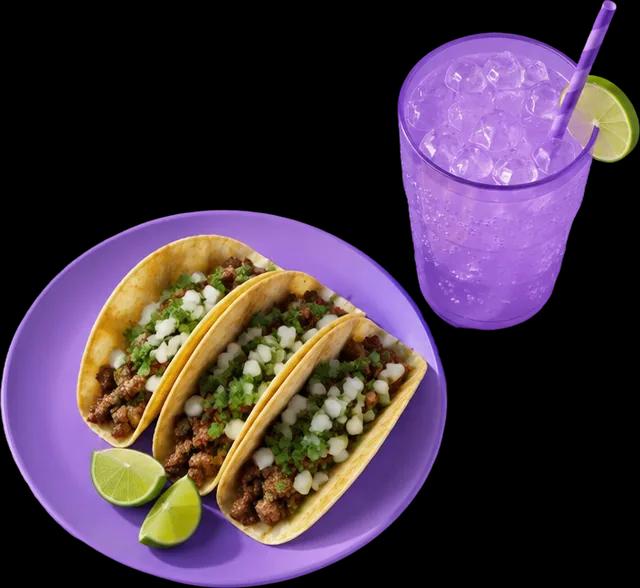
Snap your dishes and drop them in. Kartee AI writes every name and description and sorts each dish into its section, so you go from dishes to a published menu in no time.
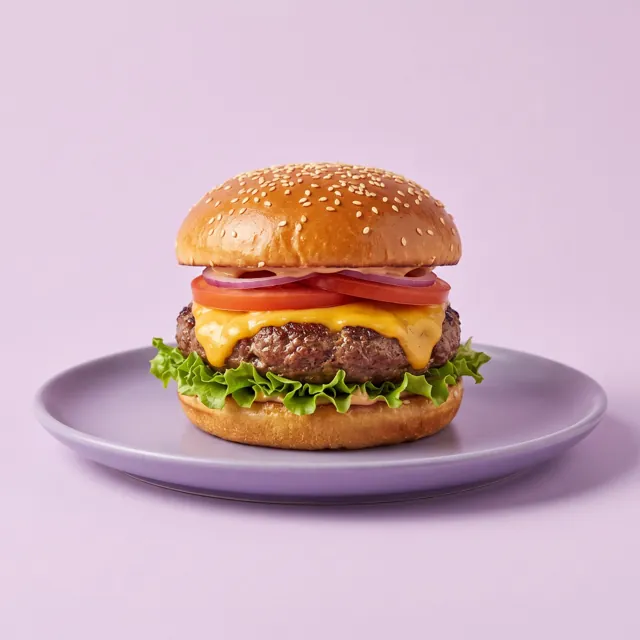
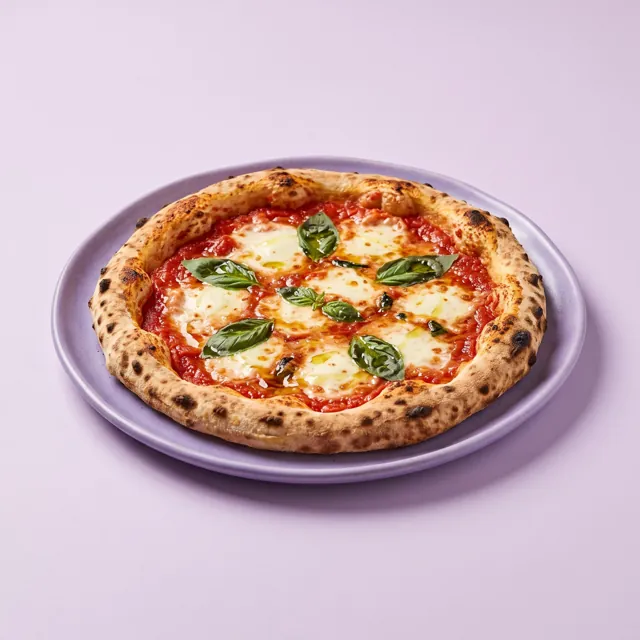
Live in three steps
- 1
Create your menu
Dishes, photos and prices. Snap a photo and Kartee writes the rest.
- 2
Share the link
A QR code on every table, plus your link on social media and chat.
- 3
Take orders
Orders land on your screen and in the kitchen, with the table number.
A digital menu your guests will love
Update dishes and prices in real time, add specials and show every plate with a full-screen photo. On any phone, with no paper and no app to download.
See a live menu ↗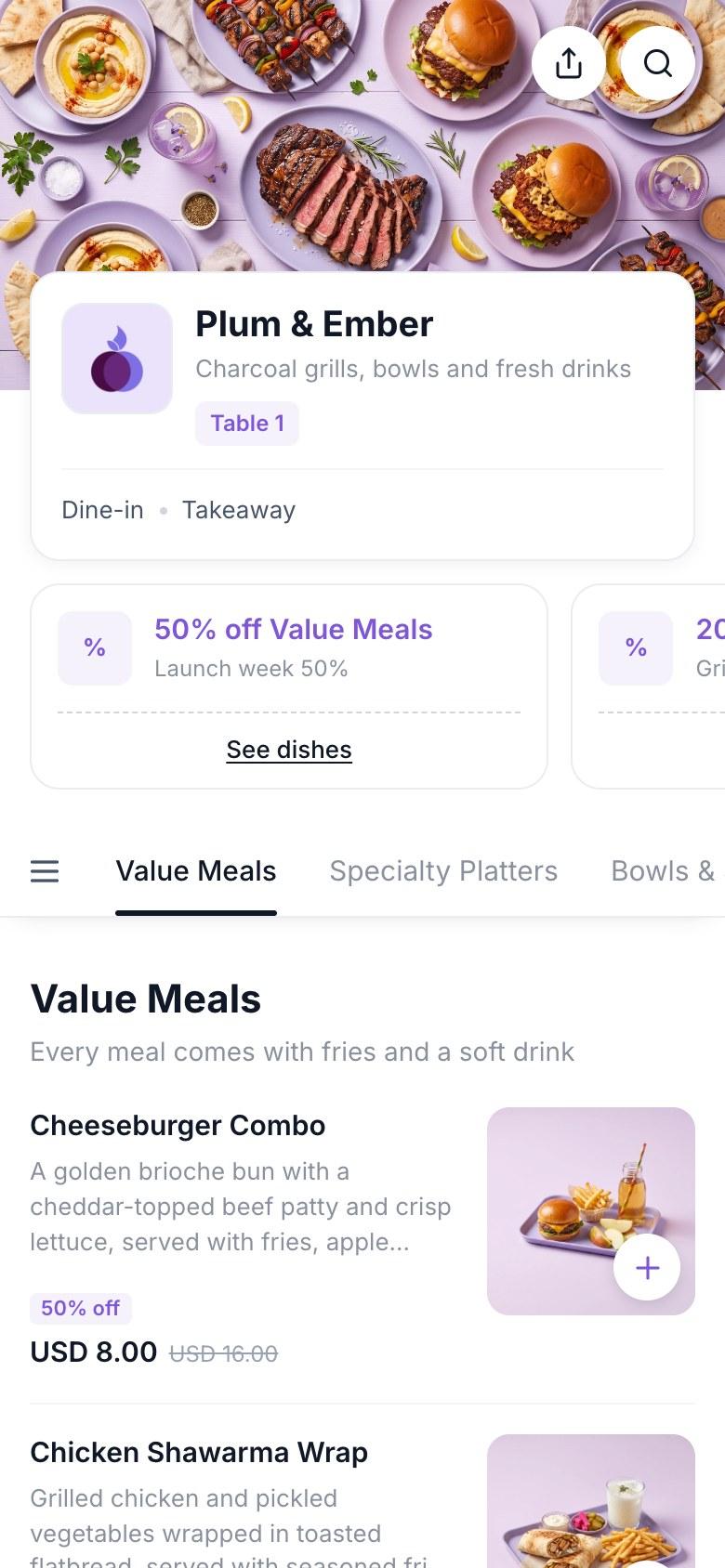
Change prices in seconds
Type the new price and save. Guests see it the next time they open the menu, with no reprinting and no waiting for a designer.
- Edit from your computer, phone or tablet
- Show the old price crossed out
- Only managers can change prices; staff can mark dishes sold out
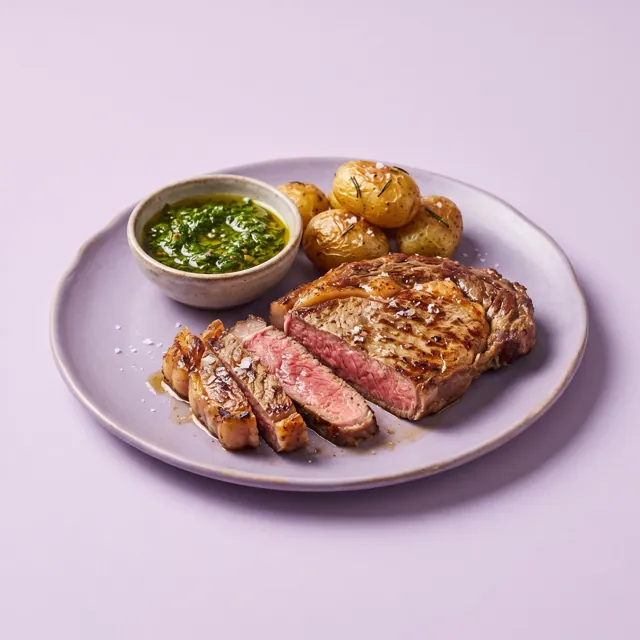 Grilled Steak
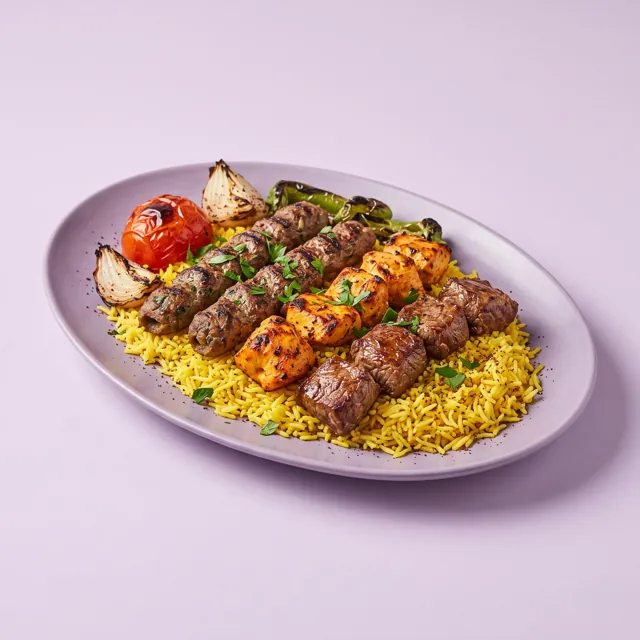 Mixed Grill18.00
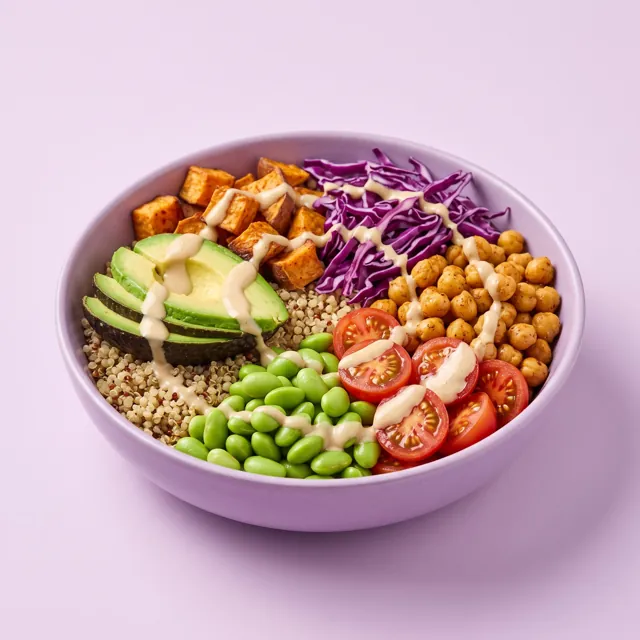 Veggie Power Bowl7.00
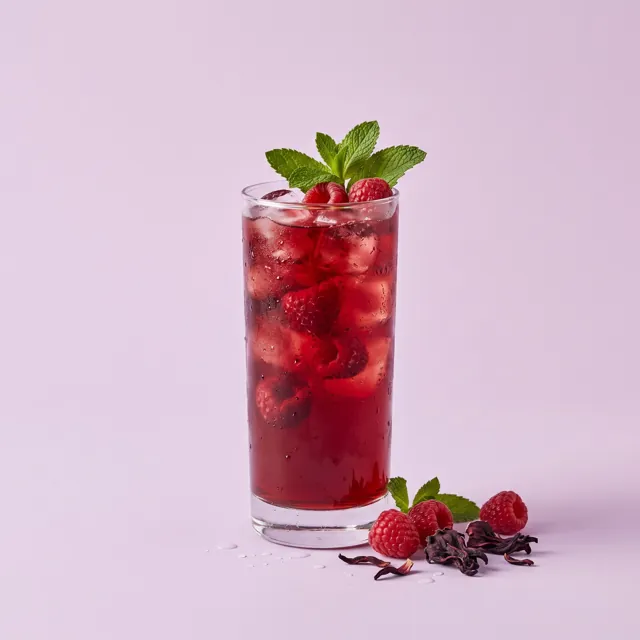 Hibiscus Cooler4.00
Full menu control
Give every dish the choices you offer at the counter. Each choice can add to the price, and the total updates as guests pick.
- Required or optional groups
- Set how many choices guests can pick
- Turn one choice off when it runs out
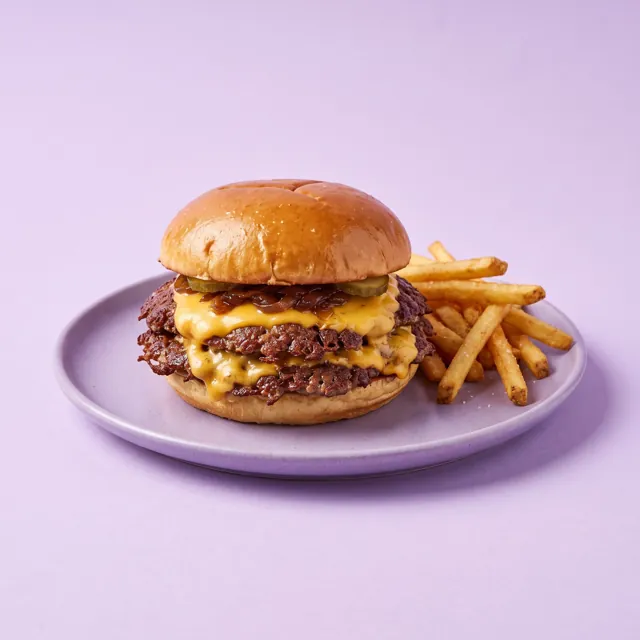
Labels guests look for
Mark dishes Spicy, Vegetarian, Vegan, Gluten free, New or Bestseller, or write your own, like Halal. Add calories if you want them on the menu.
Start free for 14 days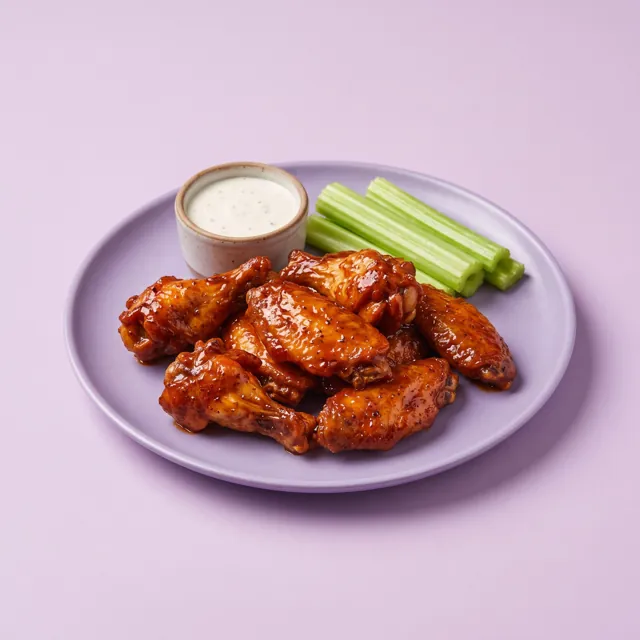
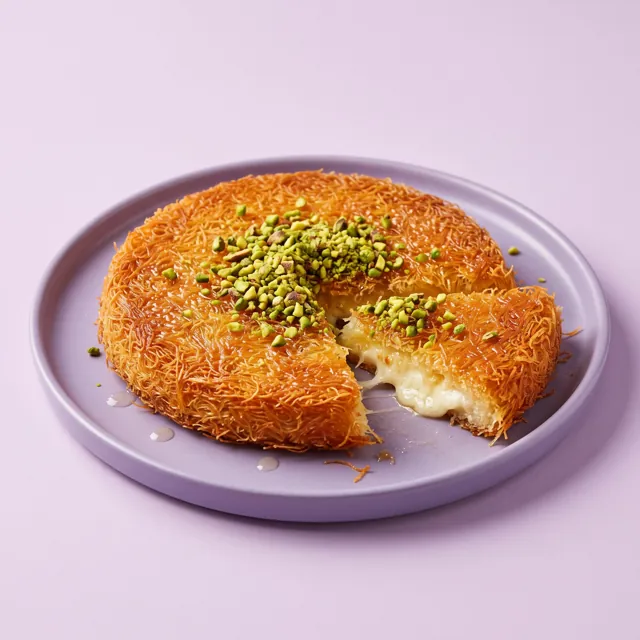
Sold out in one tap
Ran out of a dish? Switch it off and the menu shows Sold out right away. No more guests ordering what the kitchen can’t make.
- Switch off a dish or one choice
- Set a portion limit and guests see “Only 3 left”
- Switch it back on when you restock
Grilled Steak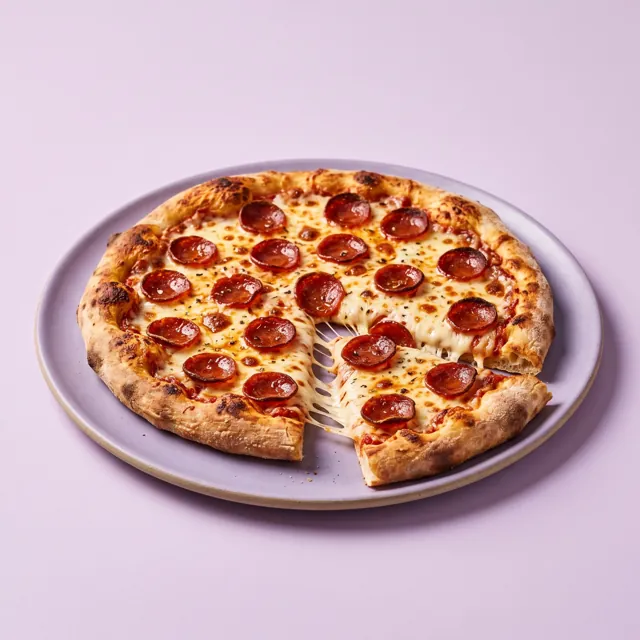 Pepperoni Pizza
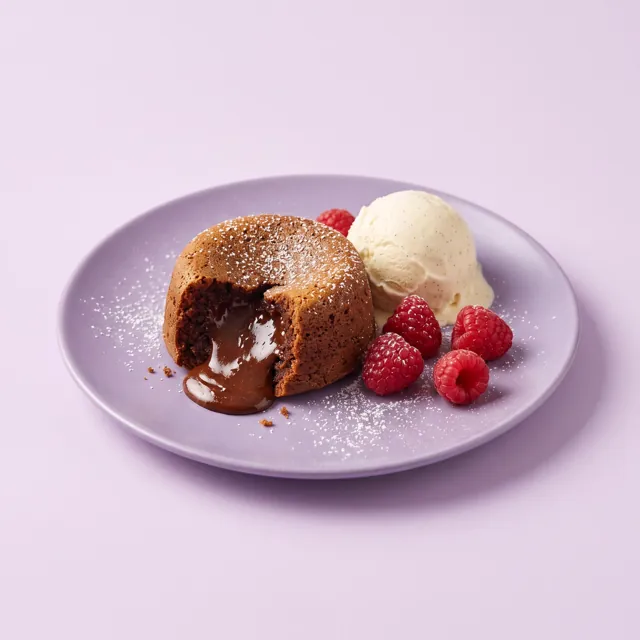 Chocolate Lava Cake
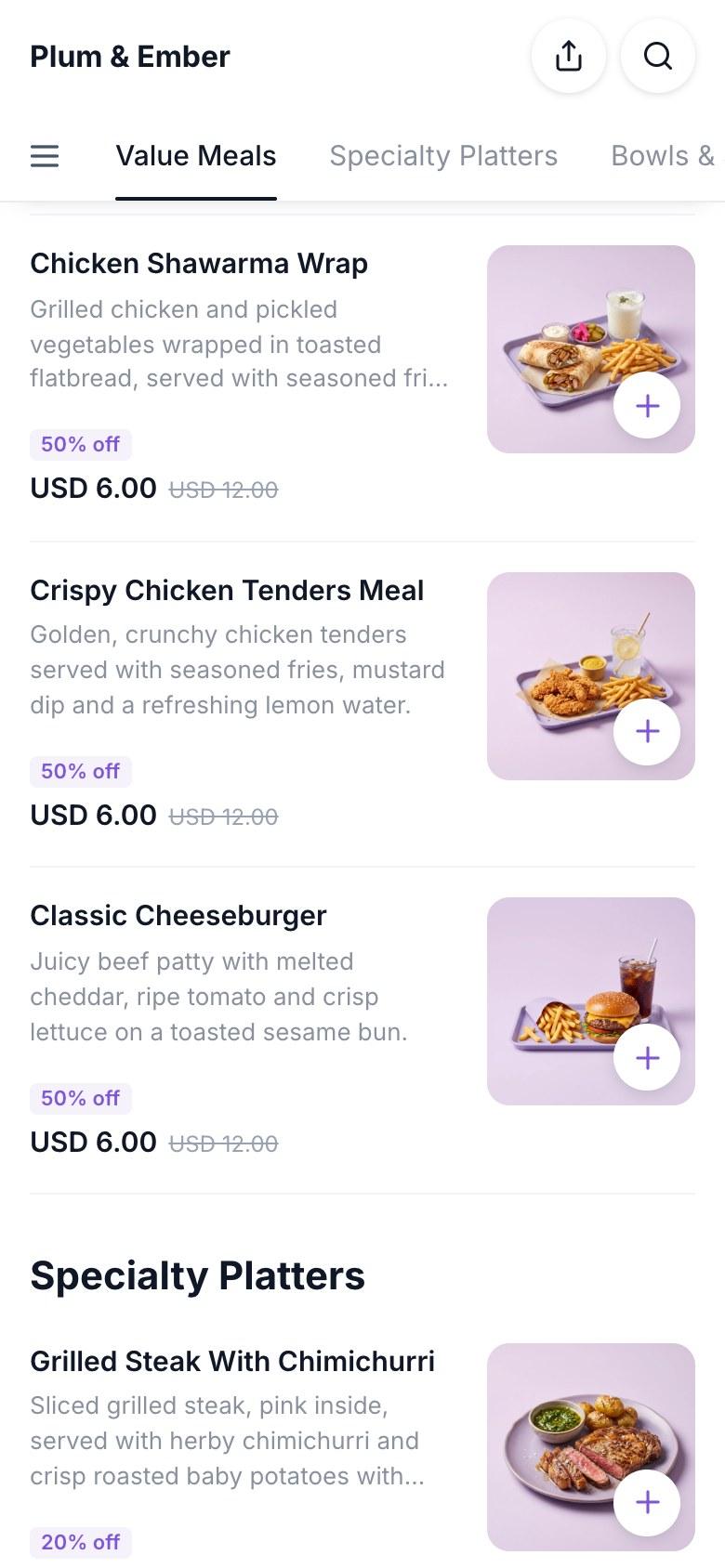
Offers right on the menu
Run a happy hour, a lunch deal or a launch offer on the whole menu, one section or one dish. Guests see the badge and the old price crossed out.
- Percent off or a fixed amount
- Set a start and end time
Guests find any dish in seconds
Long menu? Guests type a few letters and see every matching dish from every section, with its photo and price. Section tabs keep the rest one tap away.
Start free for 14 days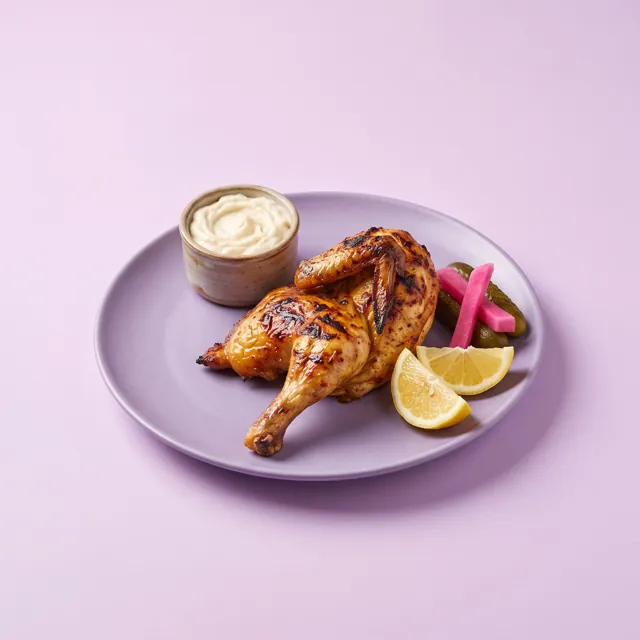 Half Grilled ChickenSpecialty Platters11.00
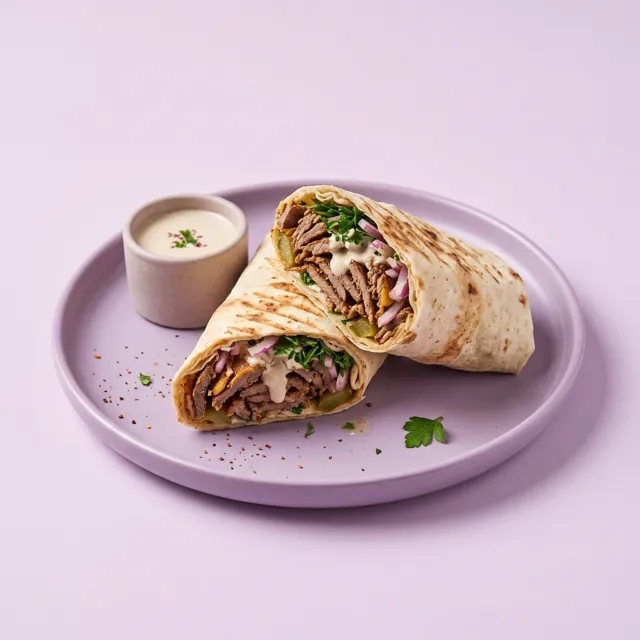 Chicken Wrap MealValue Meals8.00
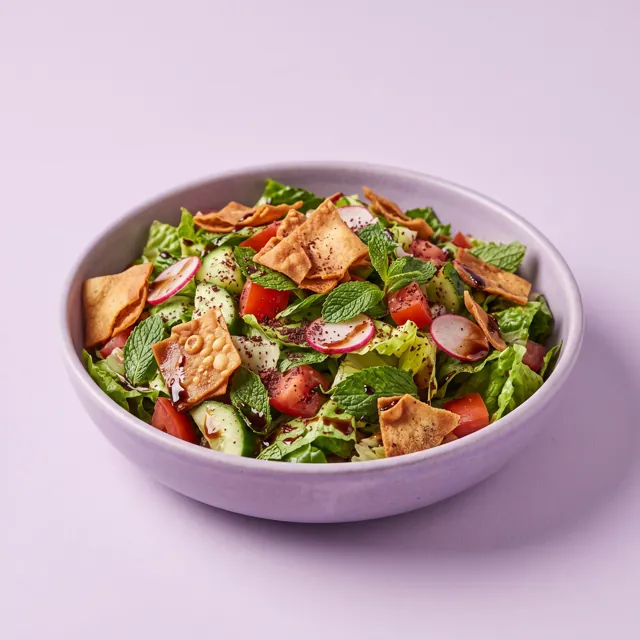 Fattoush With ChickenSalads7.50
QR codes ready to print
Download your menu QR code as a PNG for print and social posts, or an SVG for Canva, Figma or your printer. Turn on ordering and every table gets its own code.
- Share the same link on Instagram, WhatsApp and Google Maps
- Rename your menu link and old QR codes keep working
 Scan for the menu
 Table 4
A menu Google and AI can read
Every Kartee menu has its own page with a title, description, link preview and your dishes and prices in a form search engines understand, so guests can find your menu on Google. AI assistants can read it too, when guests ask where to eat.
 ChatGPT
 Claude
 GeminiPlum & Emberapp.kartee.tech › m › plum-and-emberPlum & Ember menu | Charcoal grills, bowls and fresh drinks
Full menu with prices: Grilled Steak With Chimichurri, Mixed Grill, Veggie Power Bowl, Hibiscus Cooler…
More Google reviews
Guests are asked for a review right after their order is served, when they’re happiest. Rank higher on Google Maps.
Start free for 14 days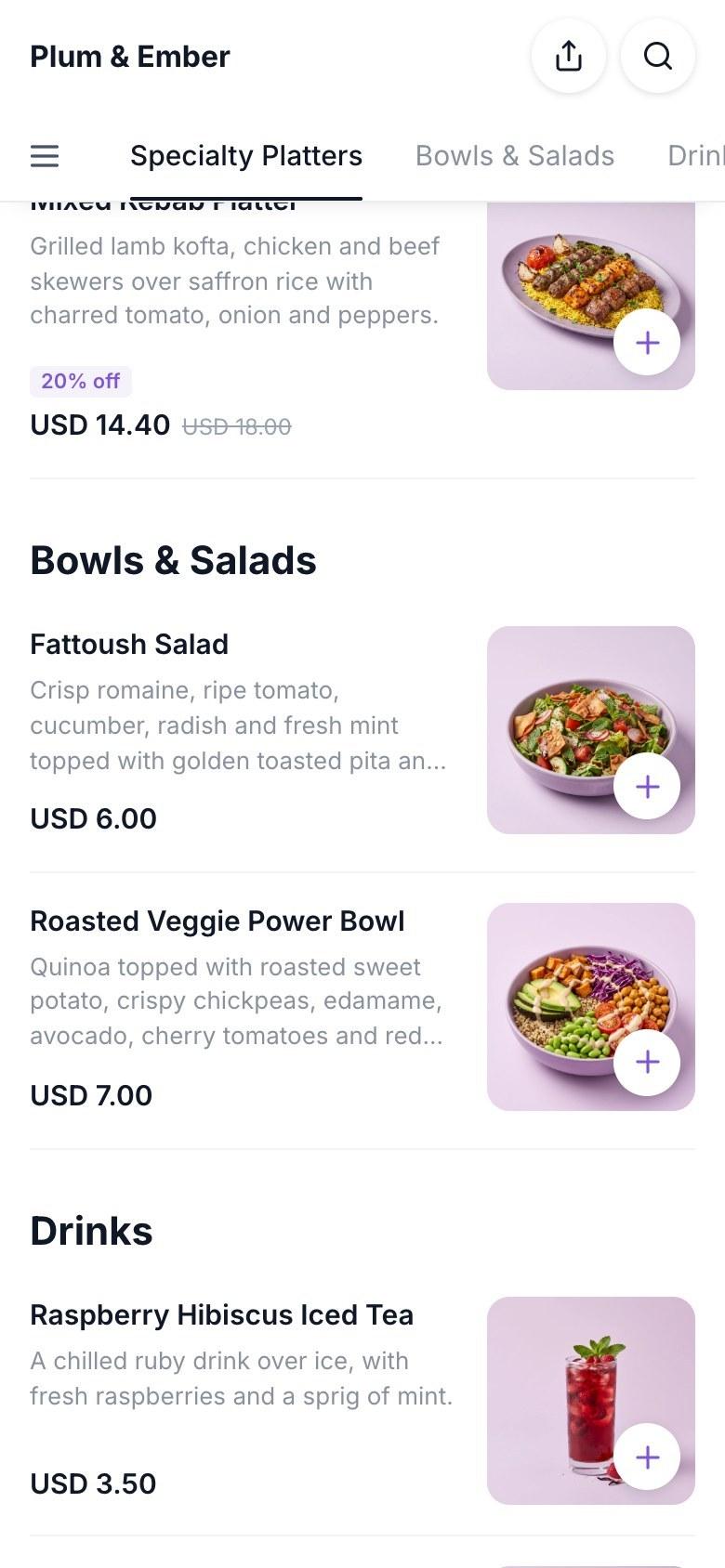
Learn from your data
Track menu visits, dish views and where guests come from, then improve the dishes that need it.
See analyticsFull customization
Your logo, cover photo and brand colour, a light or dark background, and a list, grid or large-photo layout. Change your look in minutes, no designer needed.
Try the layouts live Plum & EmberOpen nowPlattersBowlsDrinksGrilled SteakUSD 16.00+Mixed GrillUSD 18.00+Power BowlUSD 7.00+Hibiscus CoolerUSD 4.00+Brand colourBackgroundLightDarkLayoutListGridLarge
Everything a menu needs
Changes go live when you save
New prices and dishes show the next time a guest opens the menu. No reprinting.
Menu only or ordering
Turn ordering off and guests just browse photos and prices.
Up to 3 photos a dish
Guests tap a dish for big photos, the description and the price.
Opening hours
An Open now badge, and ordering pauses when you close.
Drag to reorder
Put sections and dishes in the order you want guests to see them.
Your currency
Show prices in the currency you sell in.
Works on any phone
The menu opens in the browser. Guests don’t download an app.
Copy to a new branchGrowth
Open a new branch with the menu you already have.
Already have a menu? Import it
Upload a PDF or photos of your printed menu. Kartee AI reads the sections, dishes, prices and choices, and adds the whole menu once you approve it.
- PDF or photos from your phone
- Check and edit every dish before it’s added
- Add photos later, one dish at a time
Simple pricing
Unlimited dishes, tables and orders on every plan.
Starter
For one restaurant and a small team.
$6/month for 3 months · $120/year
Start free for 14 days- 4 users, 1 branch
- Staff roles
- Digital menu and QR ordering
- Orders board and kitchen screen
- Ticket and bill printing
- Google reviews
- Sales reports
Growth
Most pickedFor teams and growing restaurants.
$14.50/month for 3 months · $290/year
Start free for 14 days- Everything in Starter
- 12 users
- 3 branches
- Copy a menu to a new branch
- Table reservations
- Guest analytics
Enterprise
For groups and chains.
A plan built around your branches
Talk to us- Everything in Growth
- More than 3 branches or 12 users
- Help setting up your menus
- Pricing for your size
14-day free trial · Cancel anytime · USD
Questions
Do guests need an app to see the menu?
No. They scan the QR code or tap your link and the menu opens in their phone’s browser.
Can I import the menu I already have?
Yes. Upload a PDF or photos of your printed menu. Kartee reads the sections, dishes and prices, you check the list, and it’s added in one go.
How do I add dish photos?
Take them on your phone and drop them in. Kartee AI can write the name, description and section from the photo, and you add the price.
Can I use Kartee as a menu only, without ordering?
Yes. Turn ordering off and guests just browse. You can turn table ordering on later with the same menu.
Do I need to reprint my QR codes when the menu changes?
No. Your QR codes always open the latest menu, and old links keep working even if you rename your menu.
How much does a digital menu cost?
The digital menu is included on every plan, from $12 a month on Starter. Try it free for 14 days, no card needed.
Create your digital menu today
Free for 14 days. No card needed.