A digital menu that looks like your restaurant
Your logo, cover photo, colours and dish layout on every QR code menu. Change any of it in minutes.
Design this menu
Kartee menus feel like a high-end app, not a PDF. Smooth, fast and made for phones. Try a layout, colour and background and see for yourself.
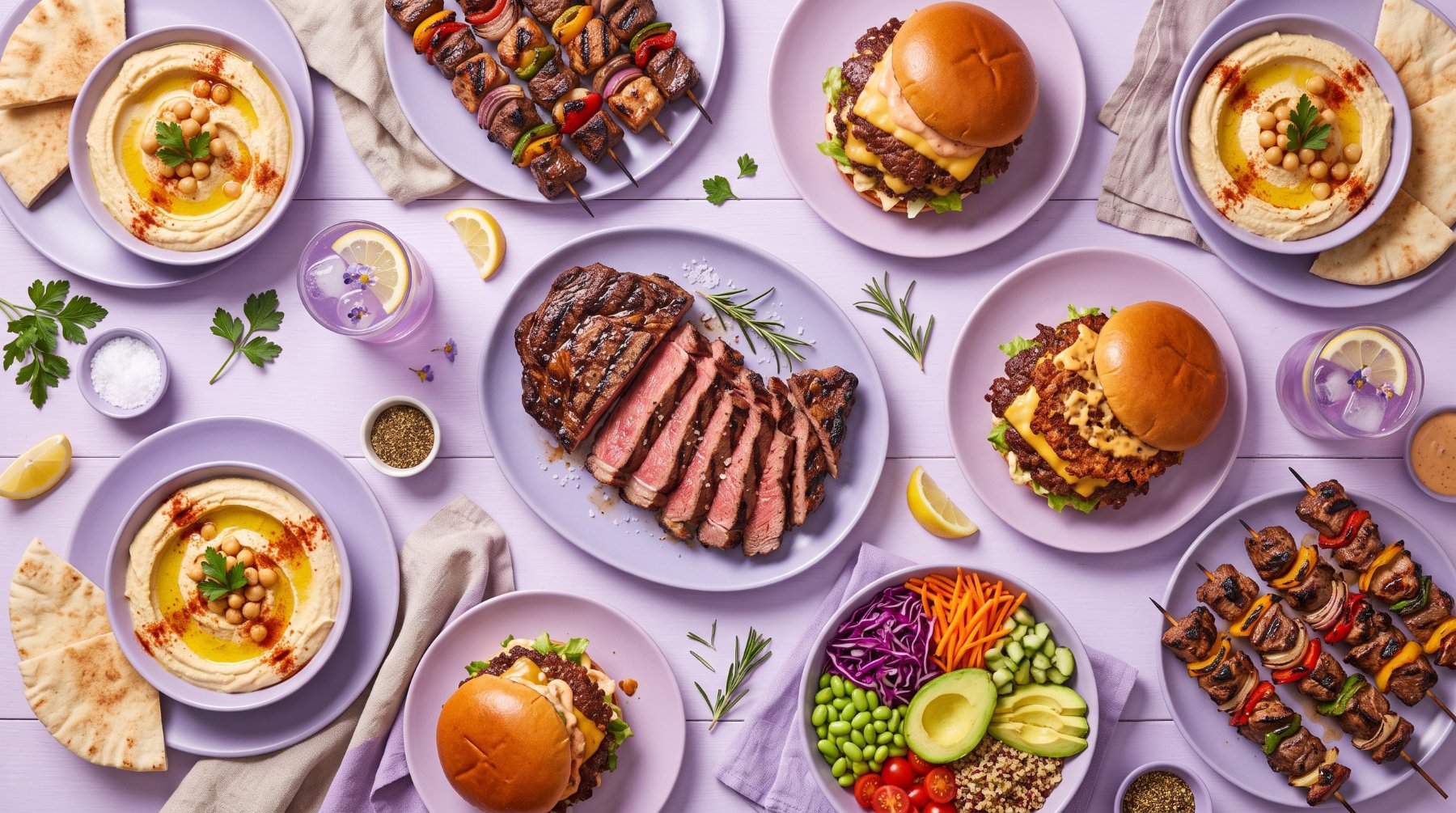
 Plum & EmberCharcoal grills, bowls and fresh drinks
Dine-in · Takeaway
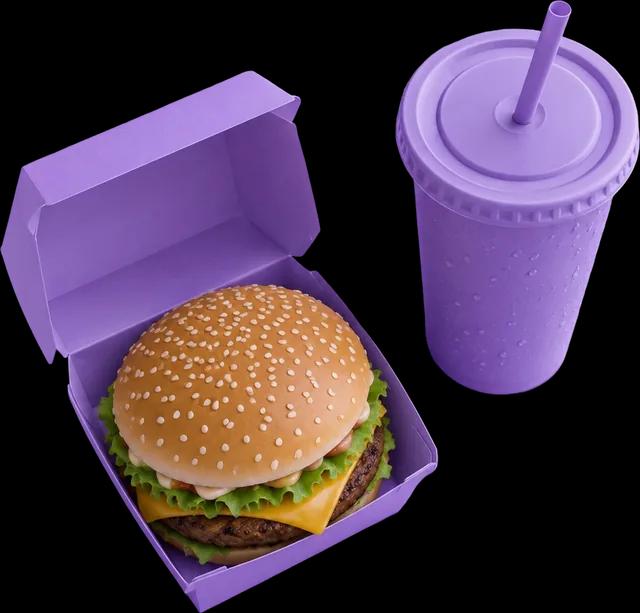
Value Meals
Every meal comes with fries and a soft drink
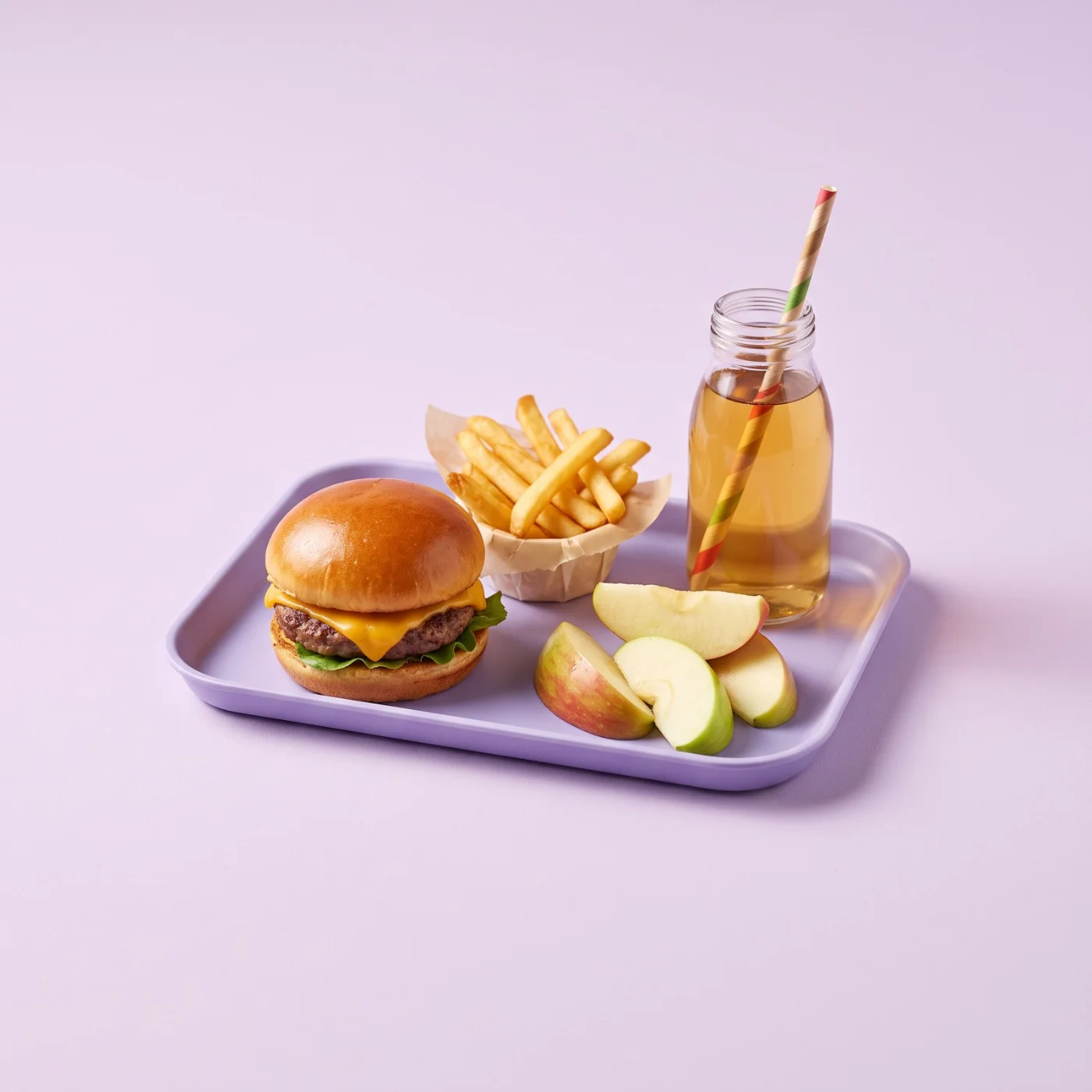 50% off
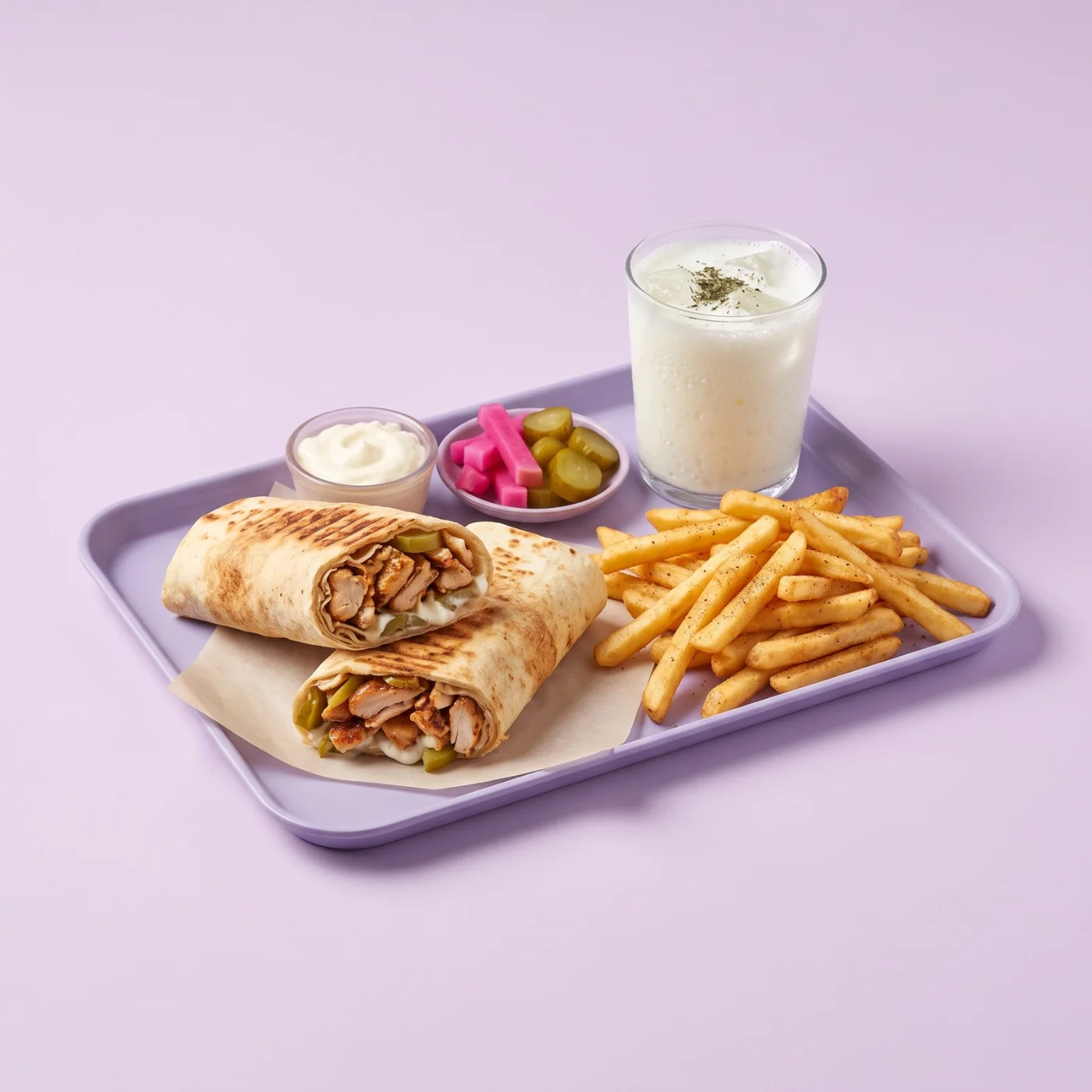 50% off
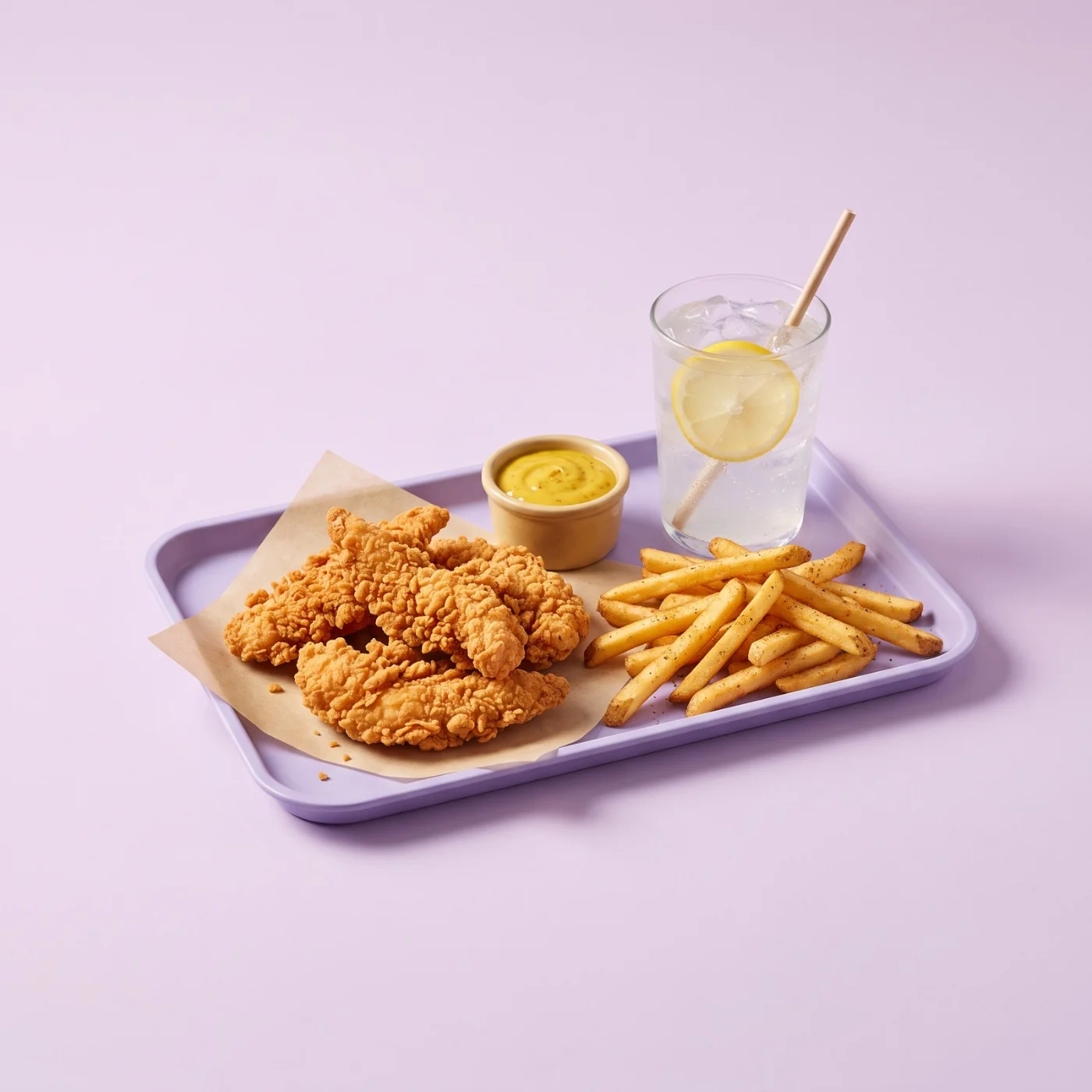 50% off
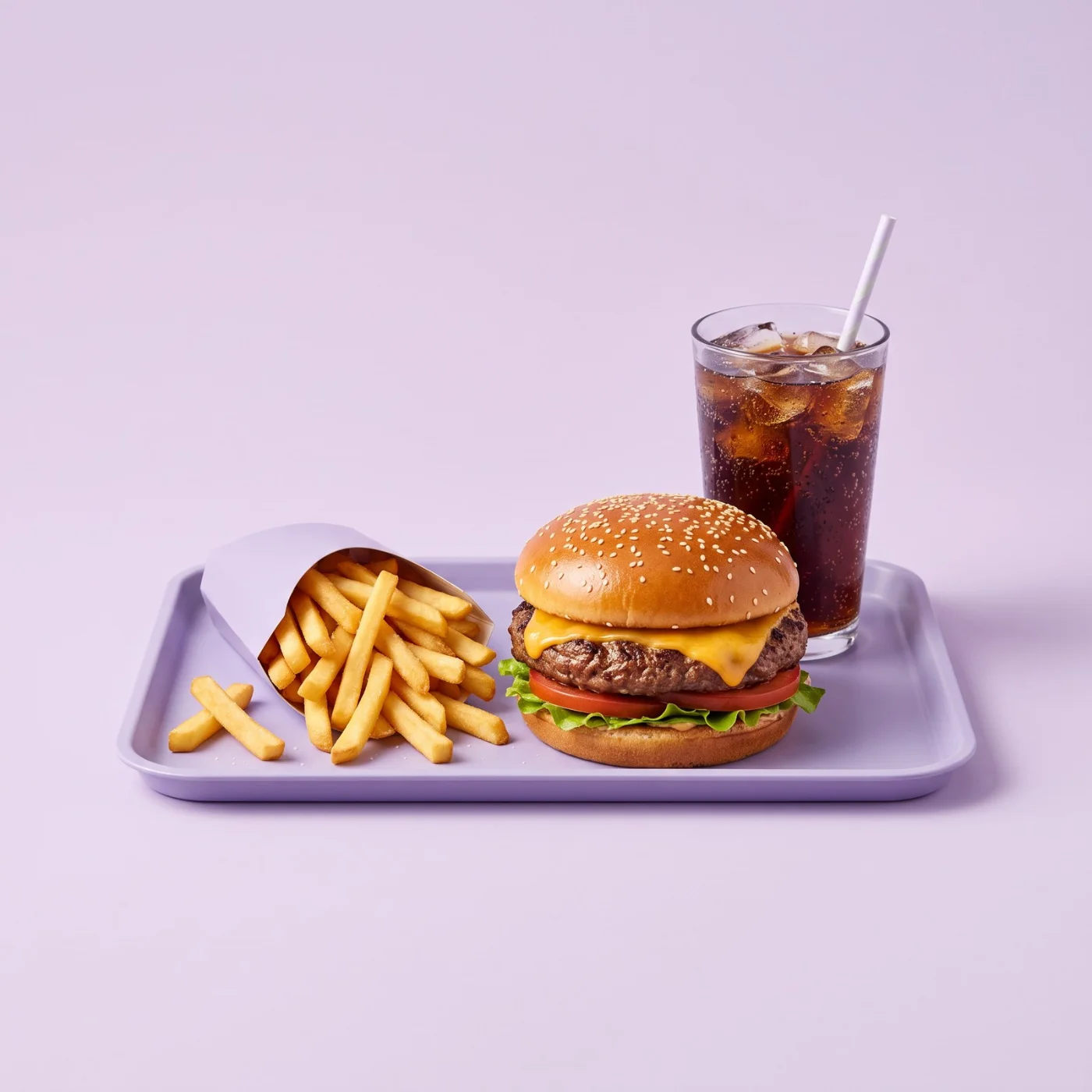 50% off
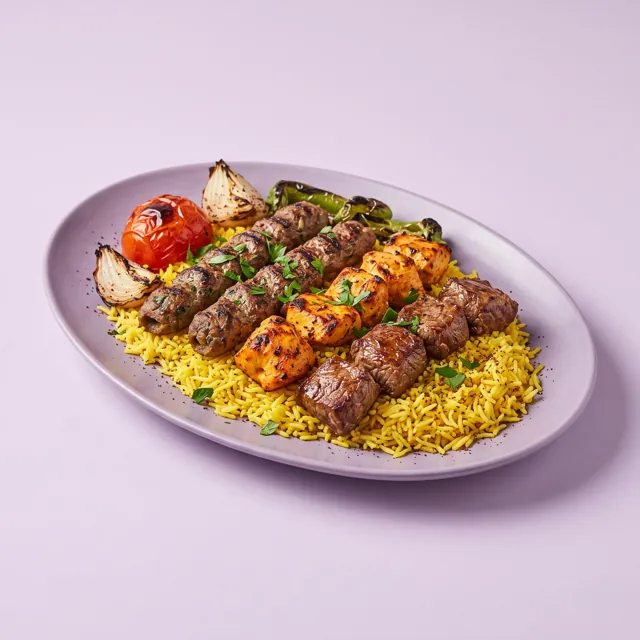
Specialty Platters
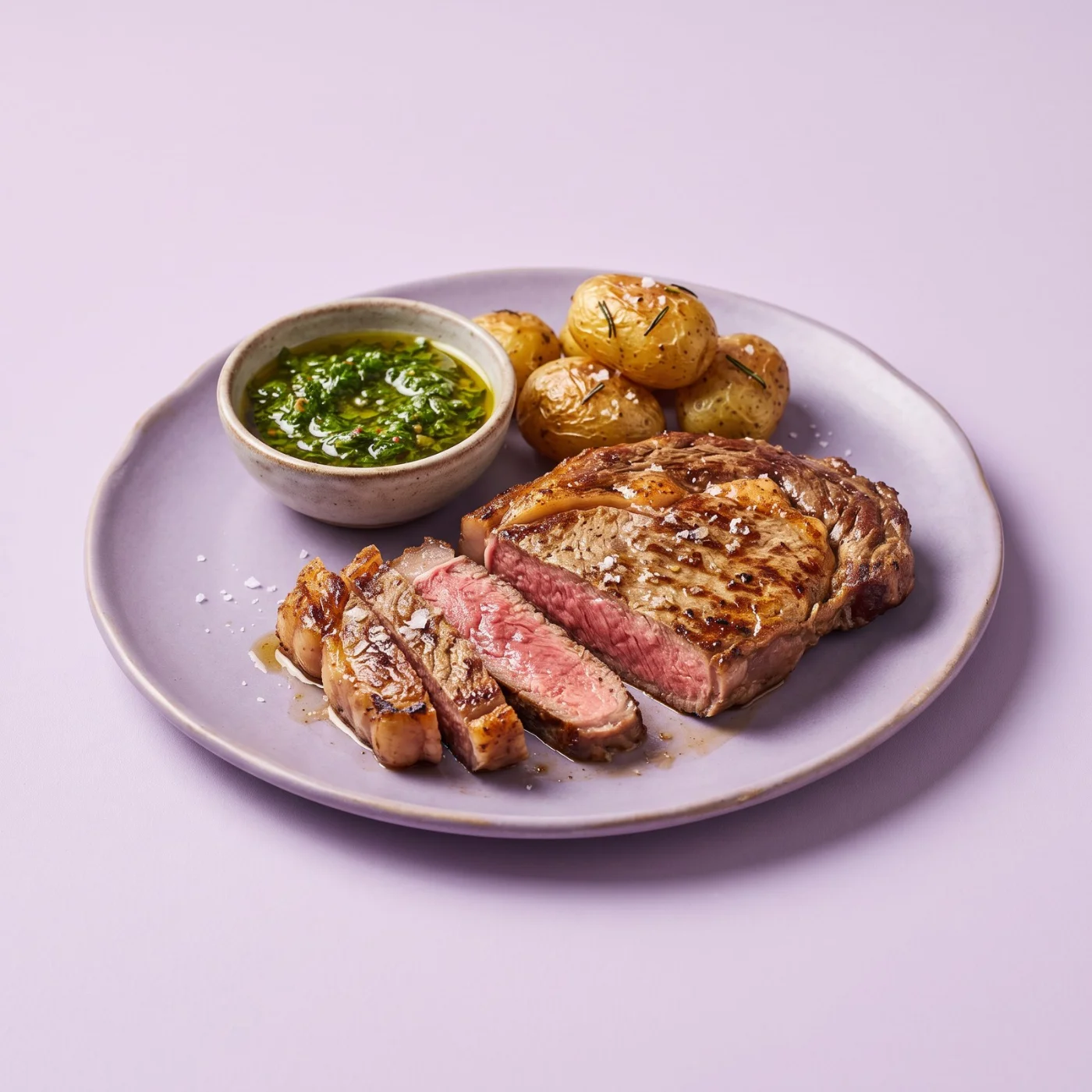 20% off
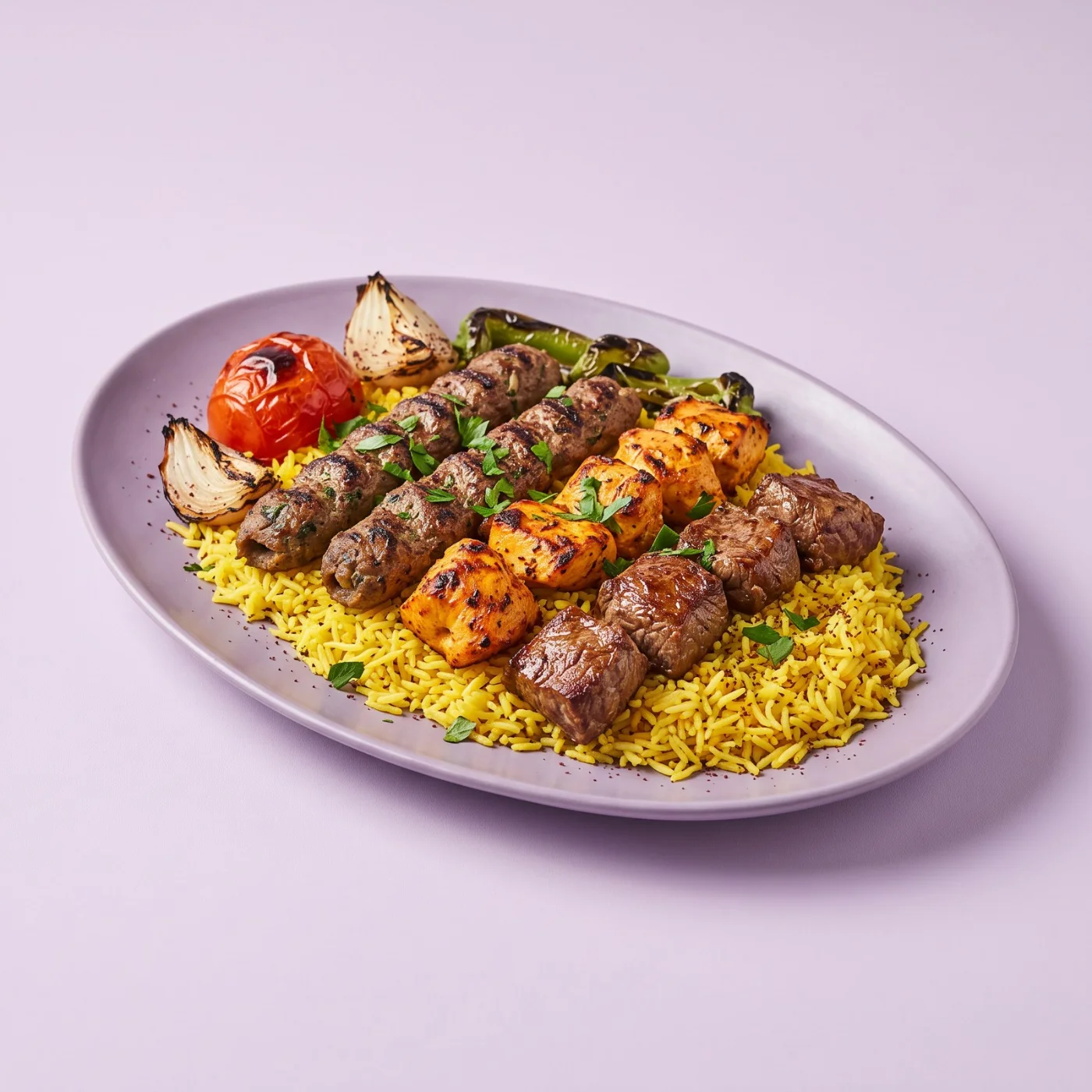 20% off
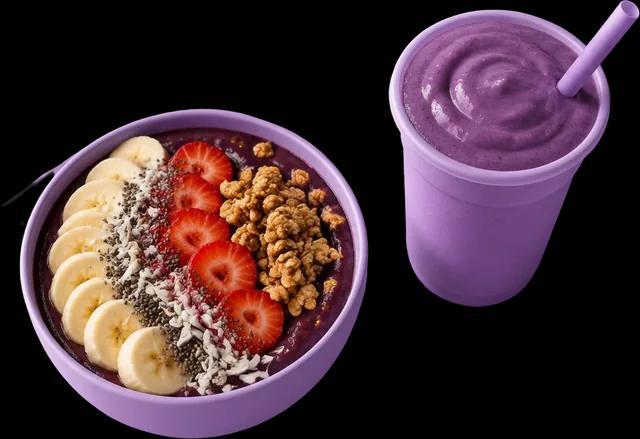
Bowls & Salads
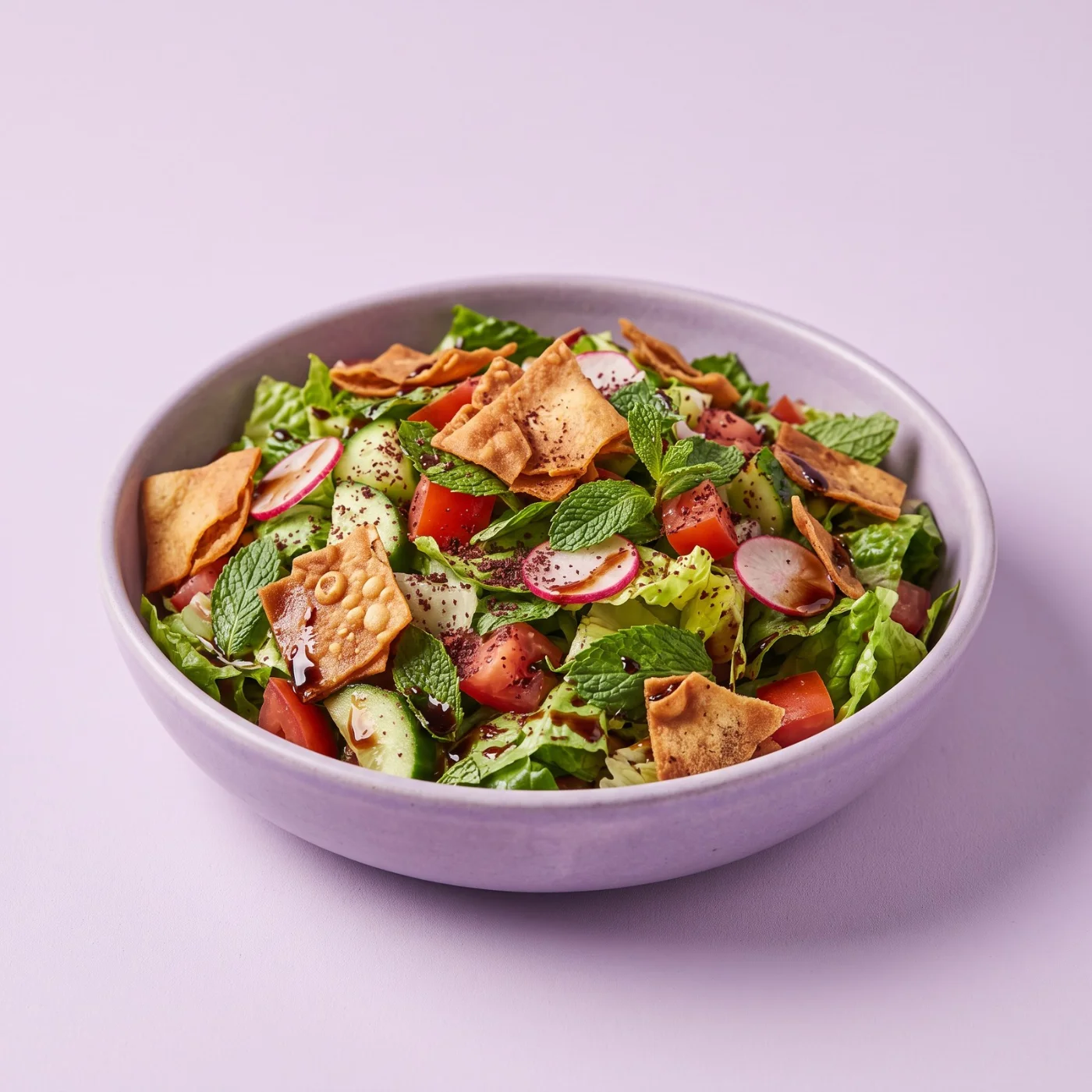
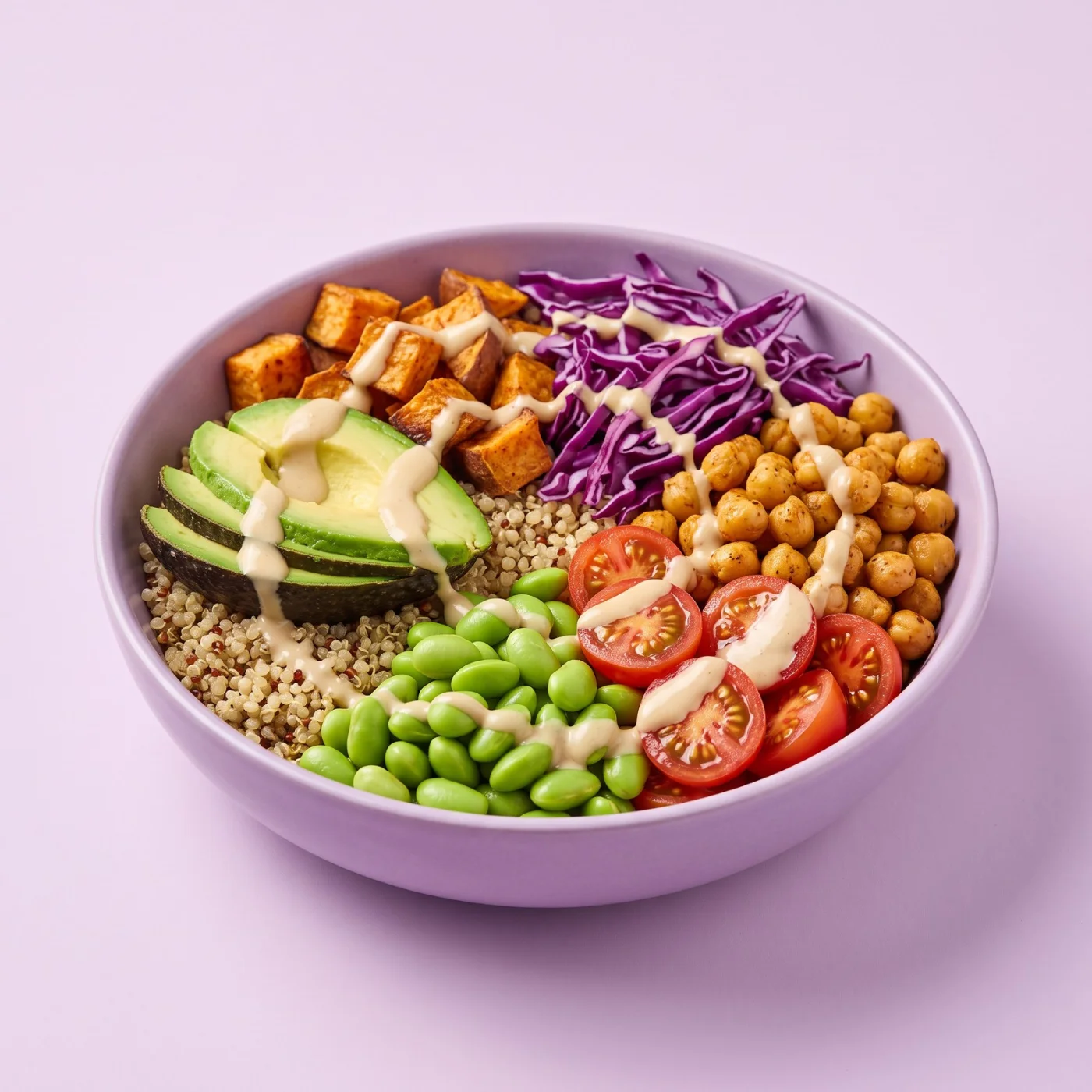
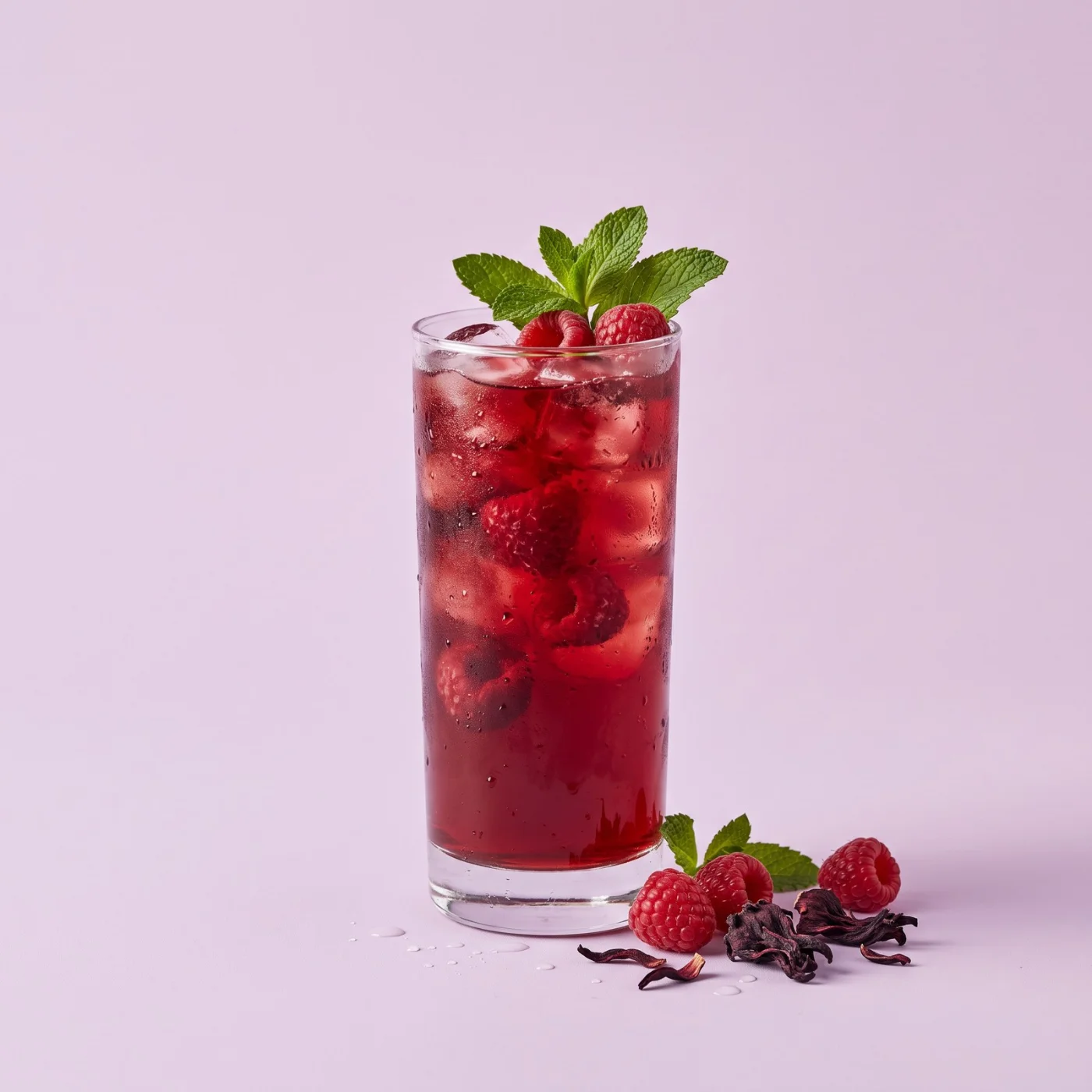
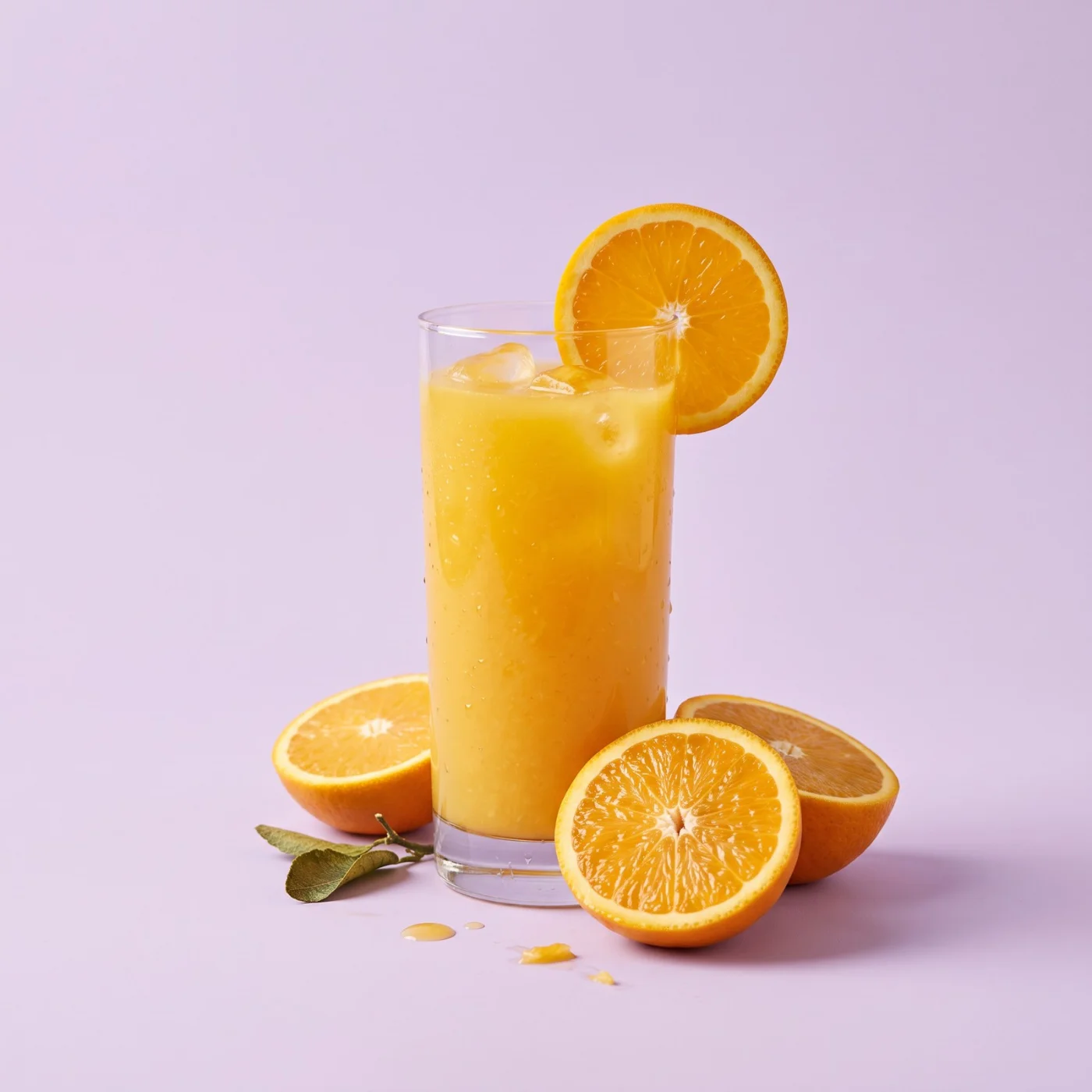
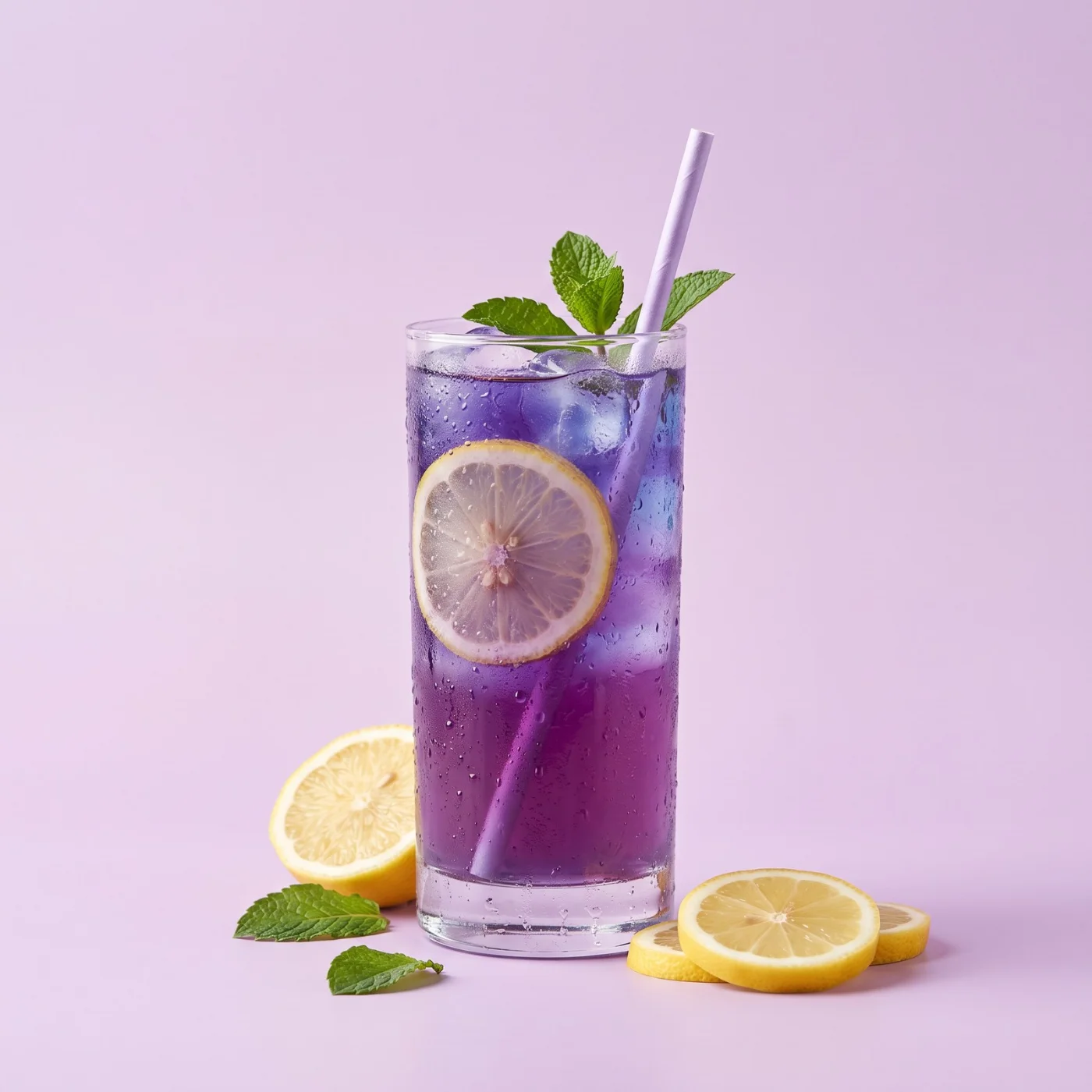
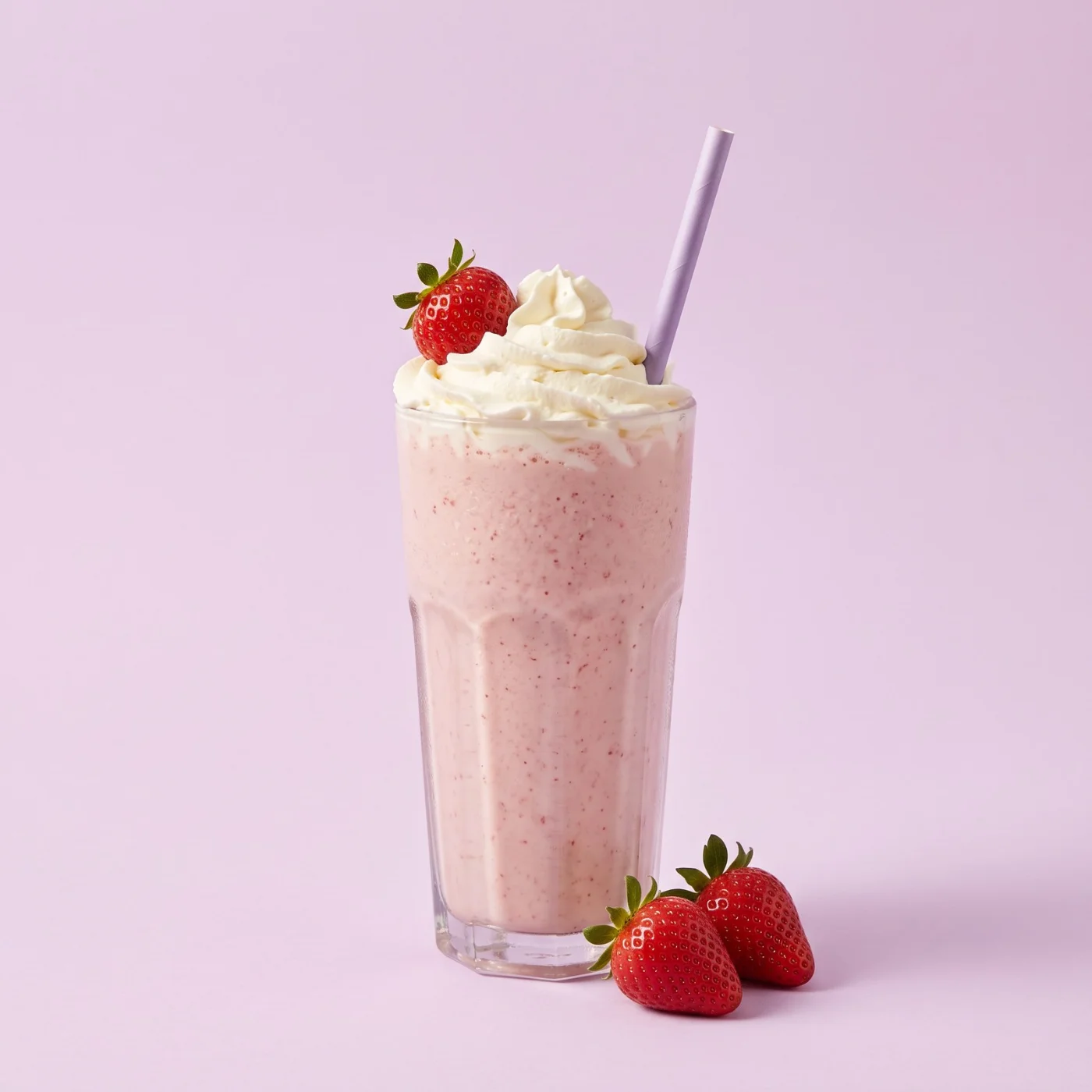
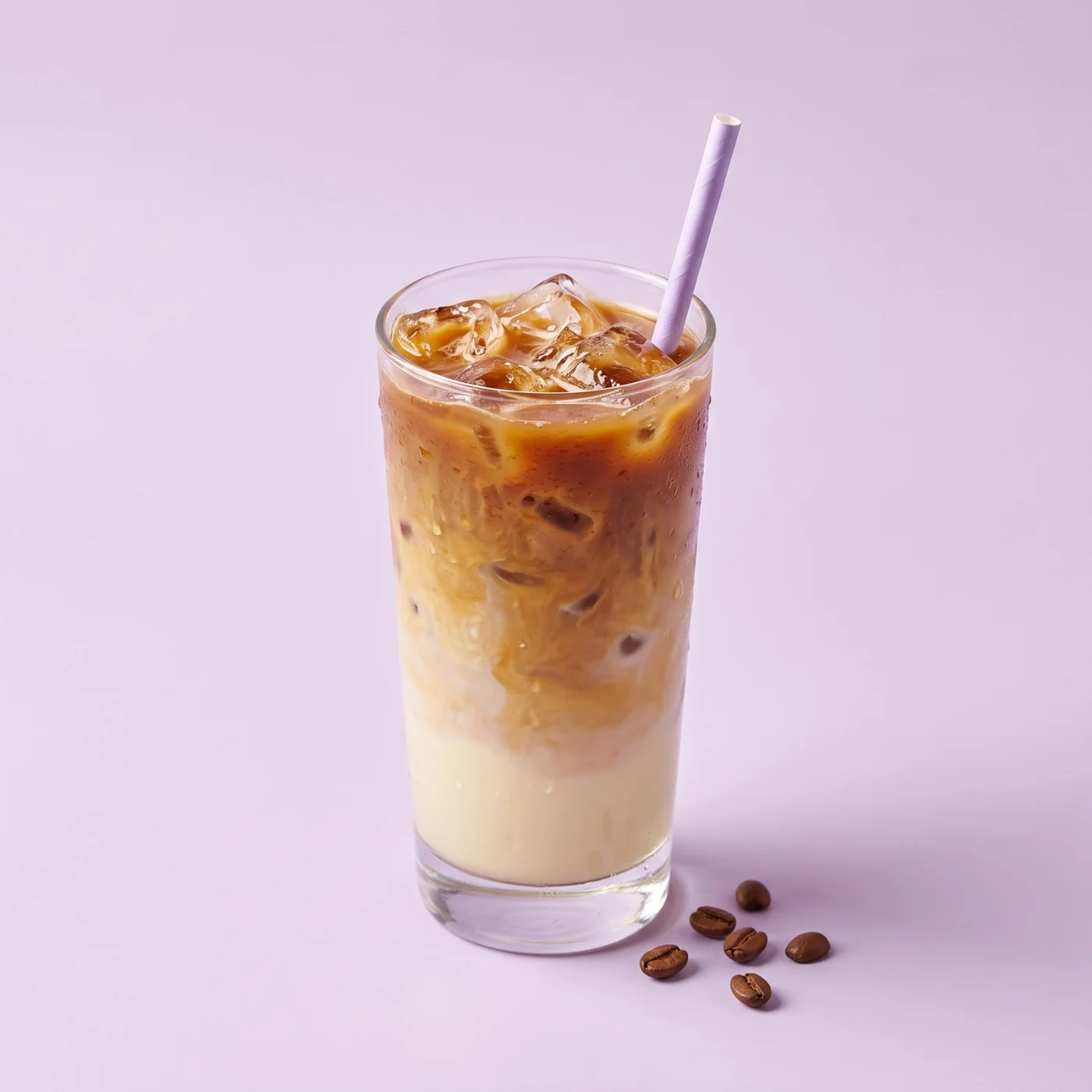
Drinks
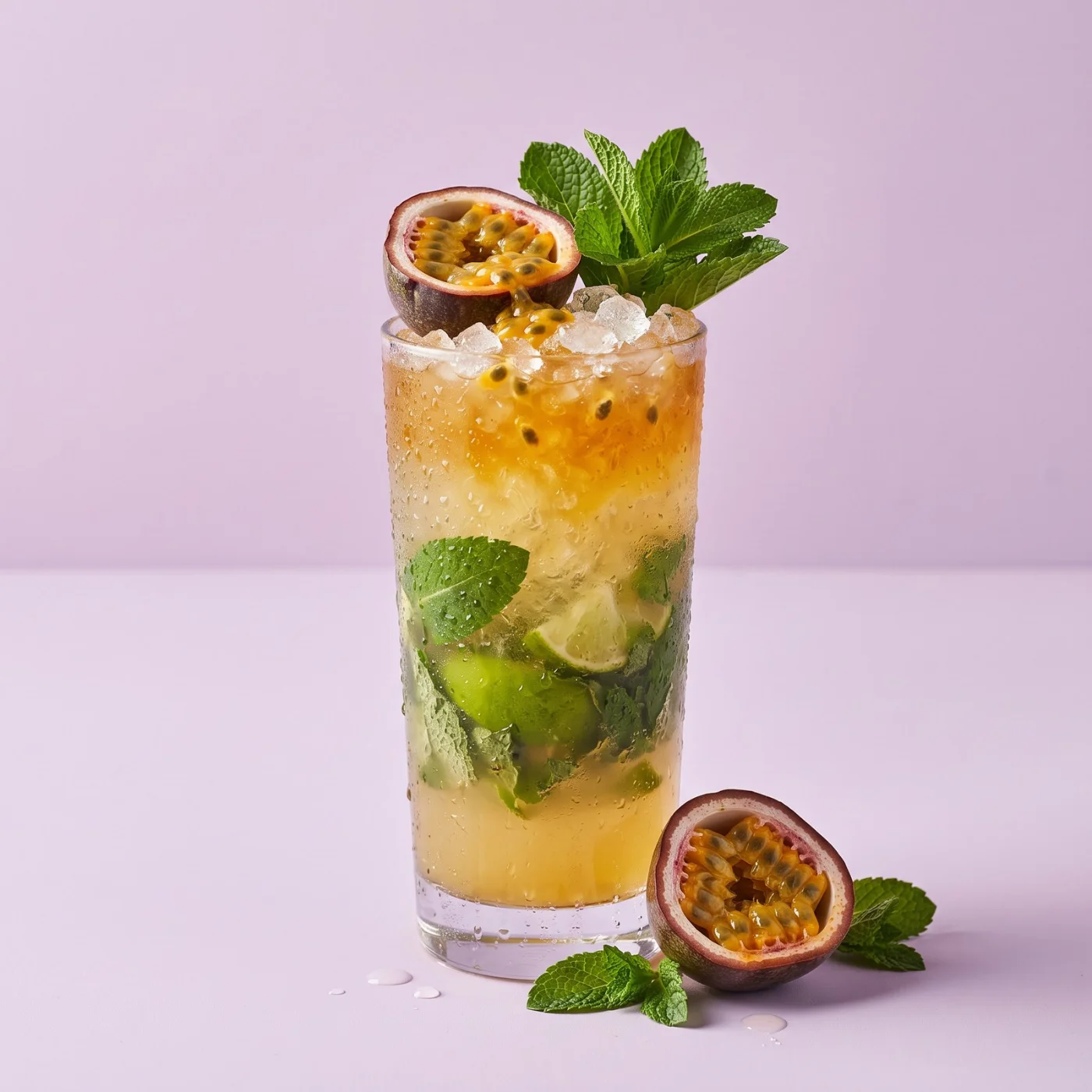
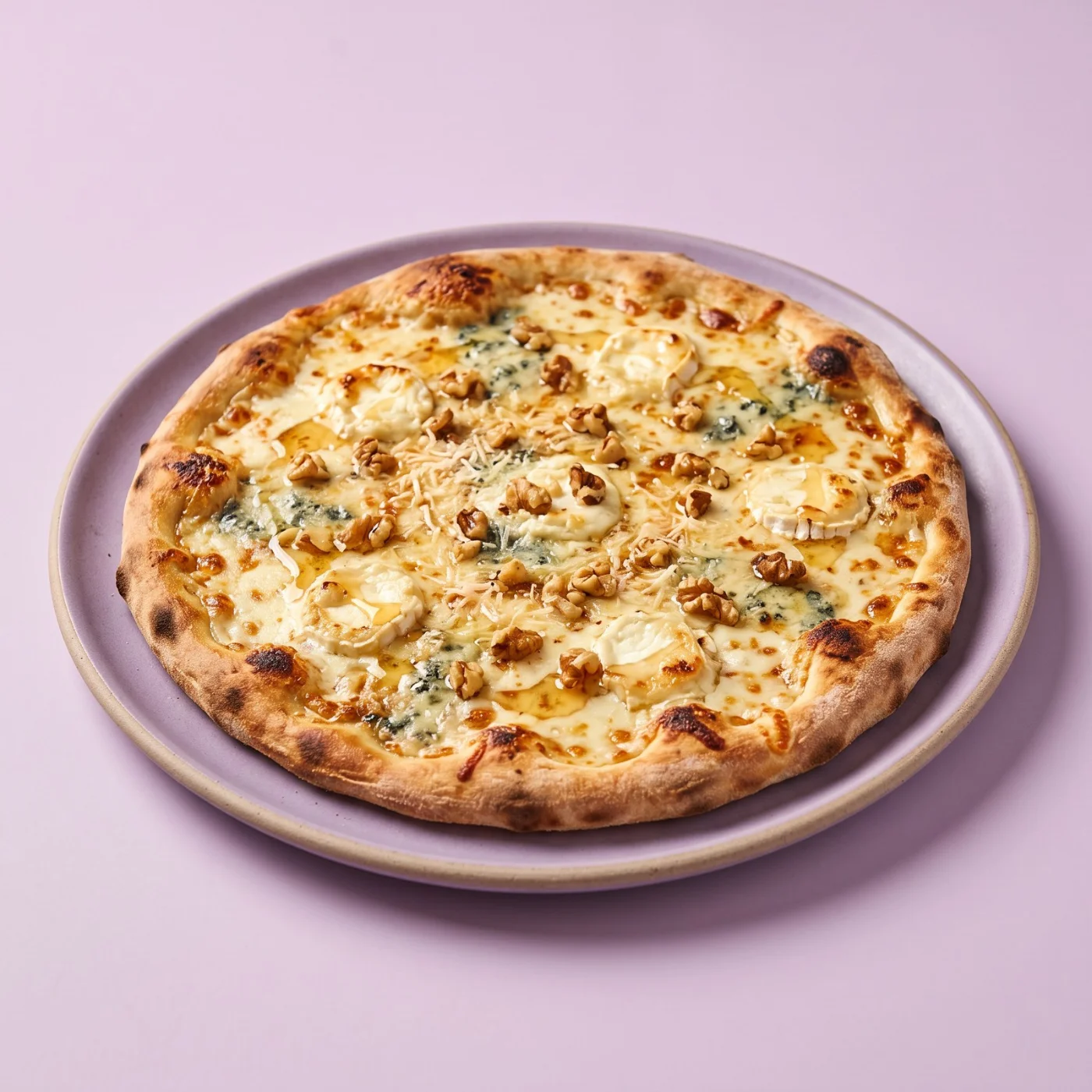
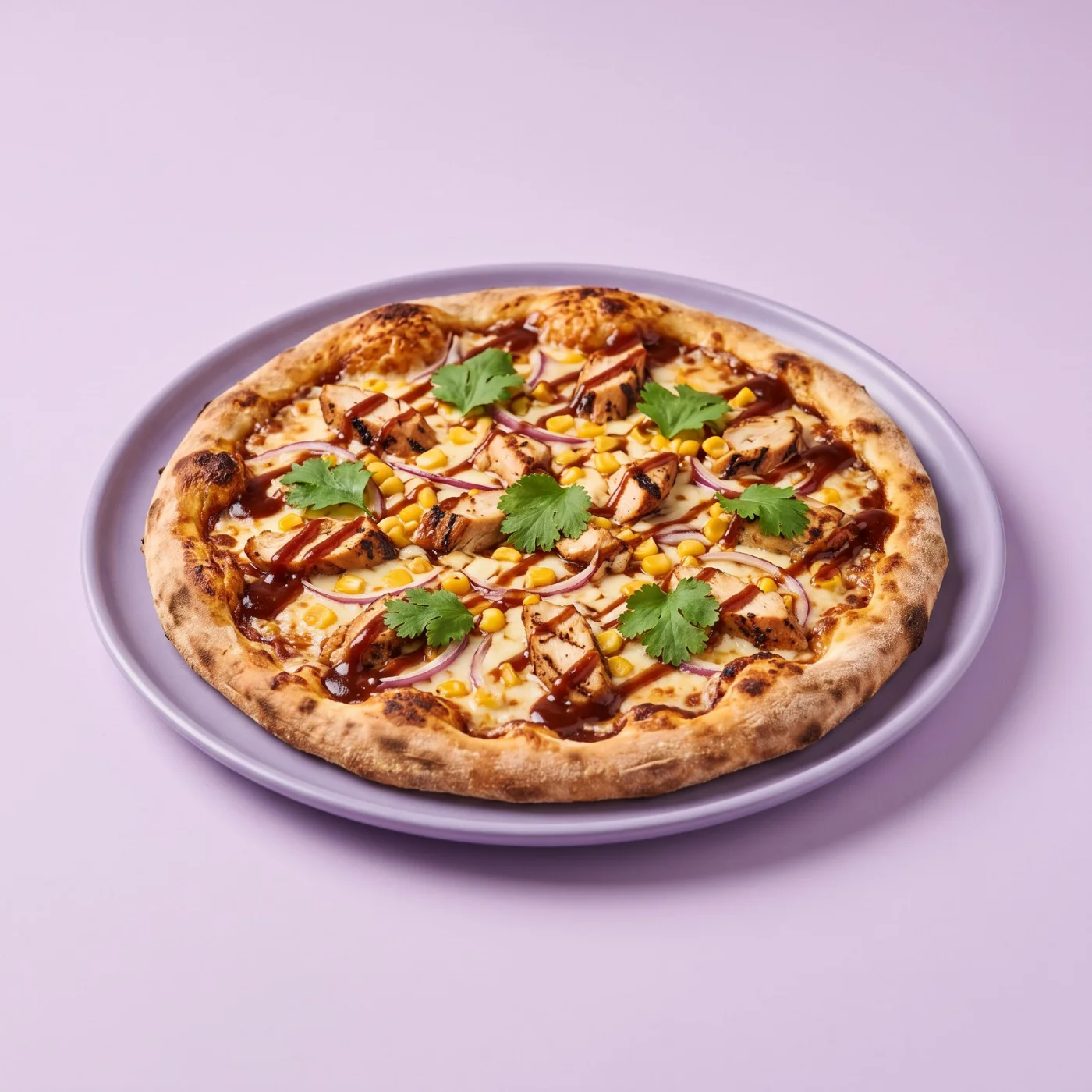
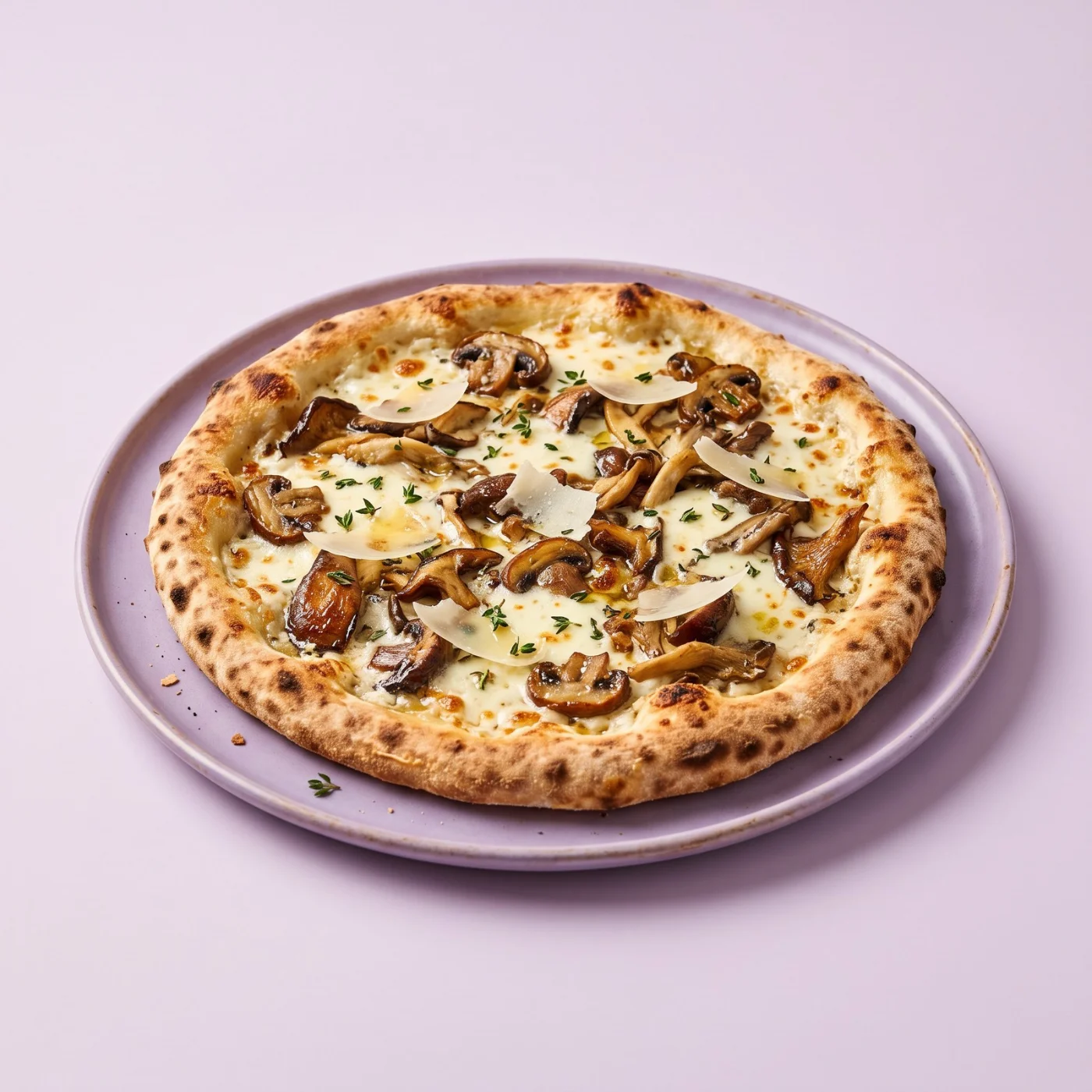
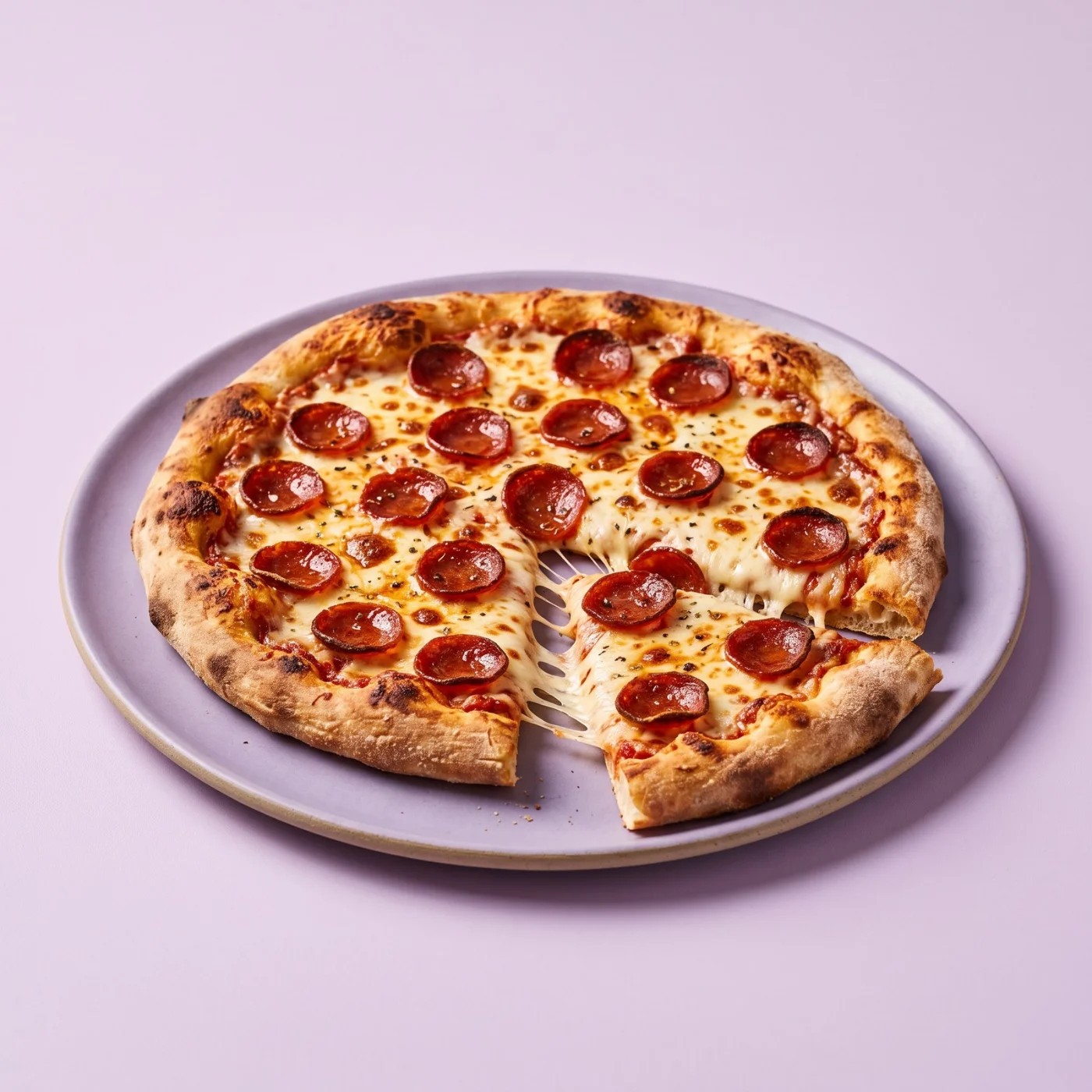
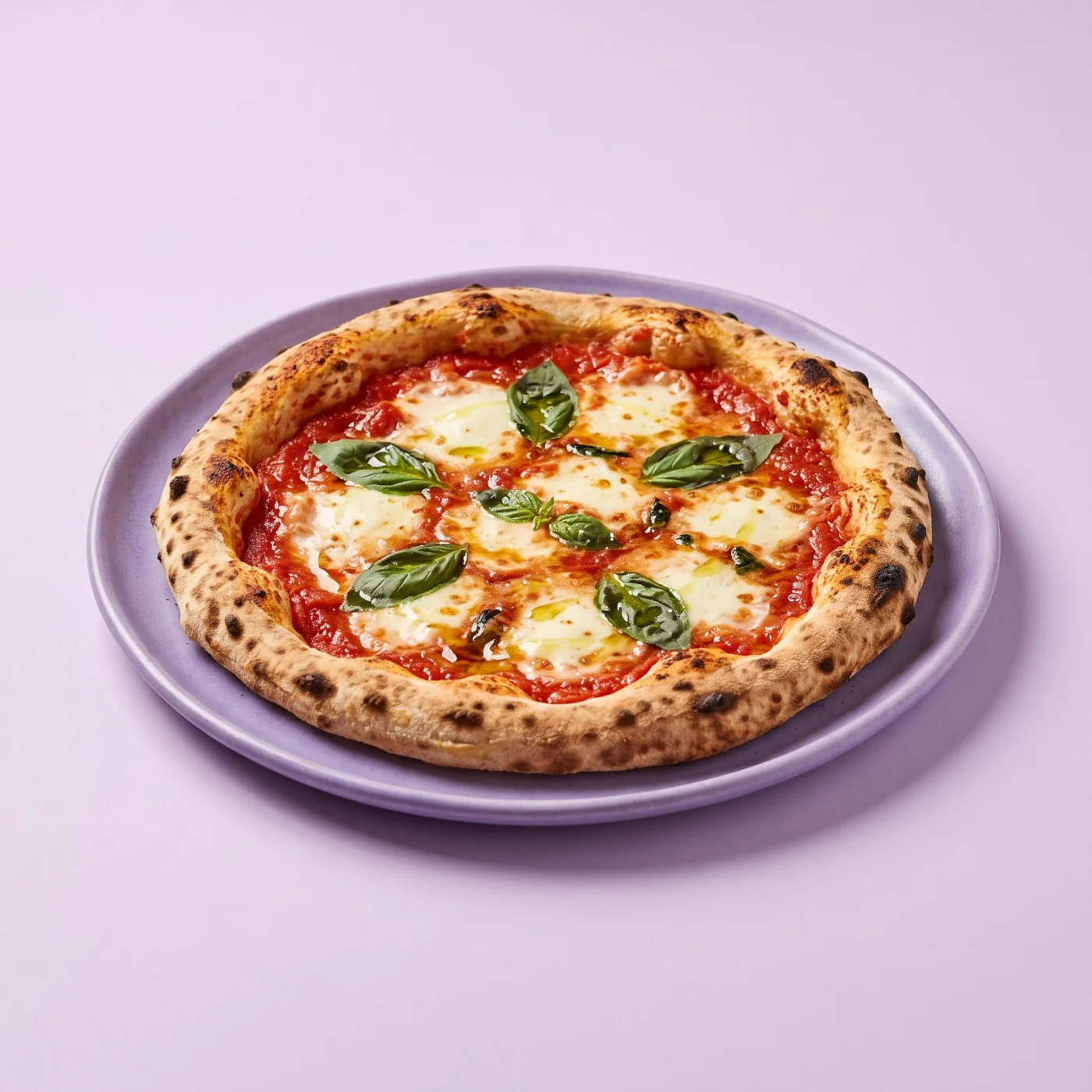
Pizza
Menu by Kartee
Your logo and cover photo on your QR menu
Upload your logo and a wide cover photo once. They show at the top of your digital menu and in the link preview when guests share your menu on WhatsApp, Instagram or by text.
Start free for 14 days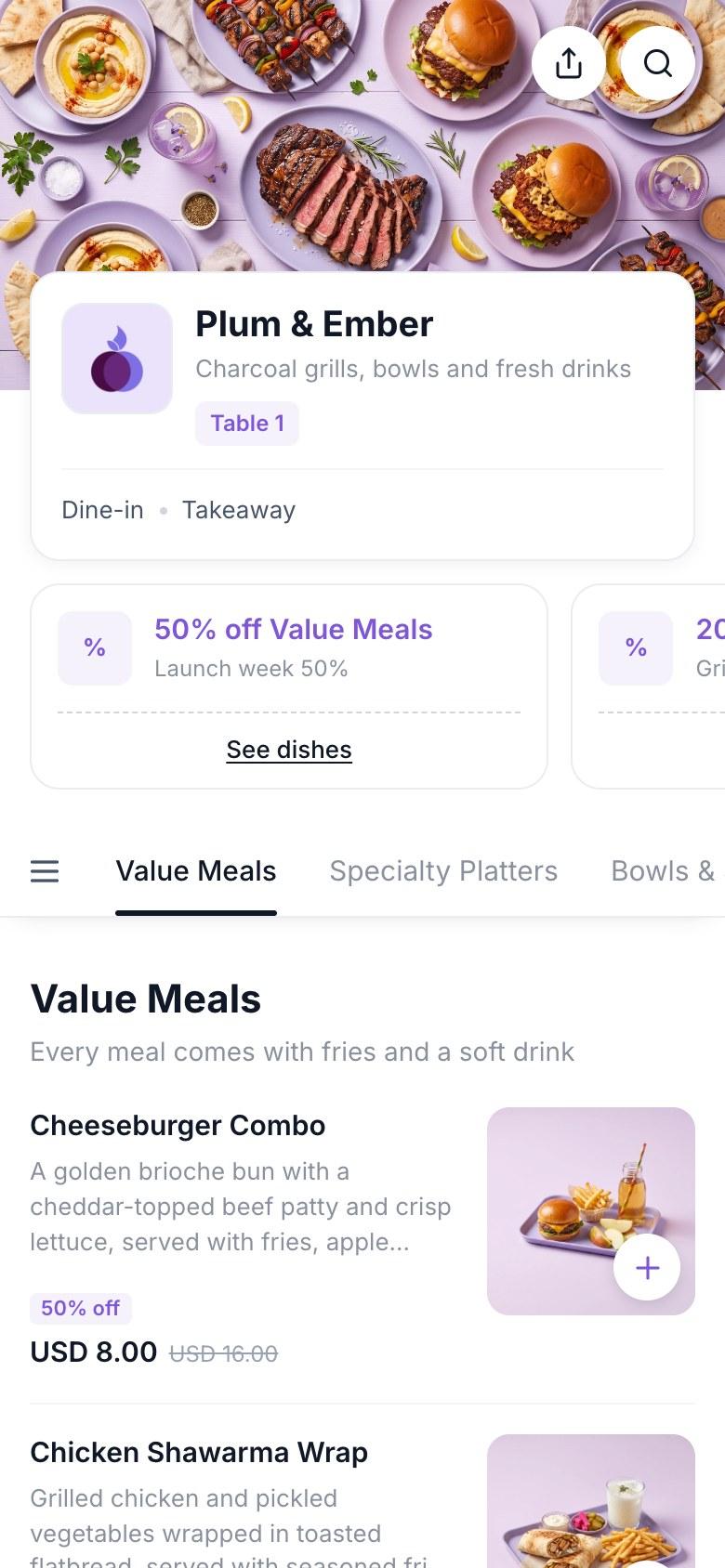
Menu colours that match your brand
Pick one brand colour and your menu uses it for buttons, section tabs, offer badges and the order bar. Choose a preset or enter your exact hex code.
Start free for 14 daysA light or dark menu background
Choose from 11 backgrounds, from white and cream to charcoal and espresso.
- Dark menus switch to light text automatically
- Your brand colour lightens on dark backgrounds so it stays readable
- Dish pages, cart and order screens follow the same theme
 Plum & Ember
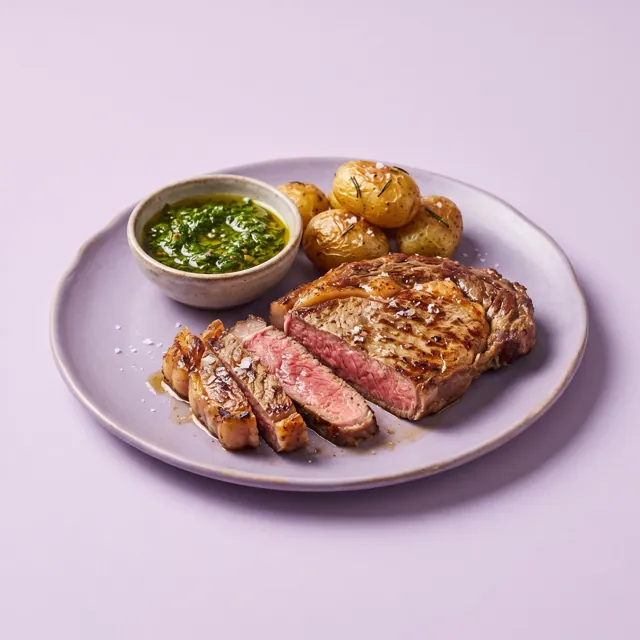
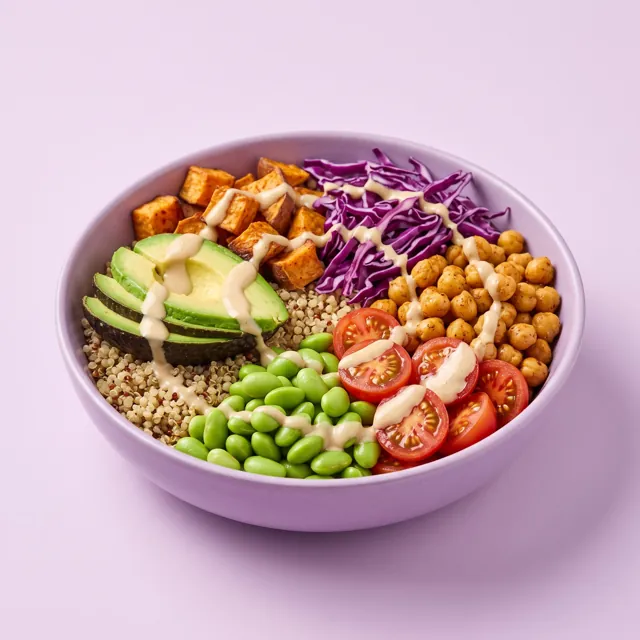 Plum & Ember
Three dish layouts: list, grid or large photos
Choose how dishes show in every section of your menu.
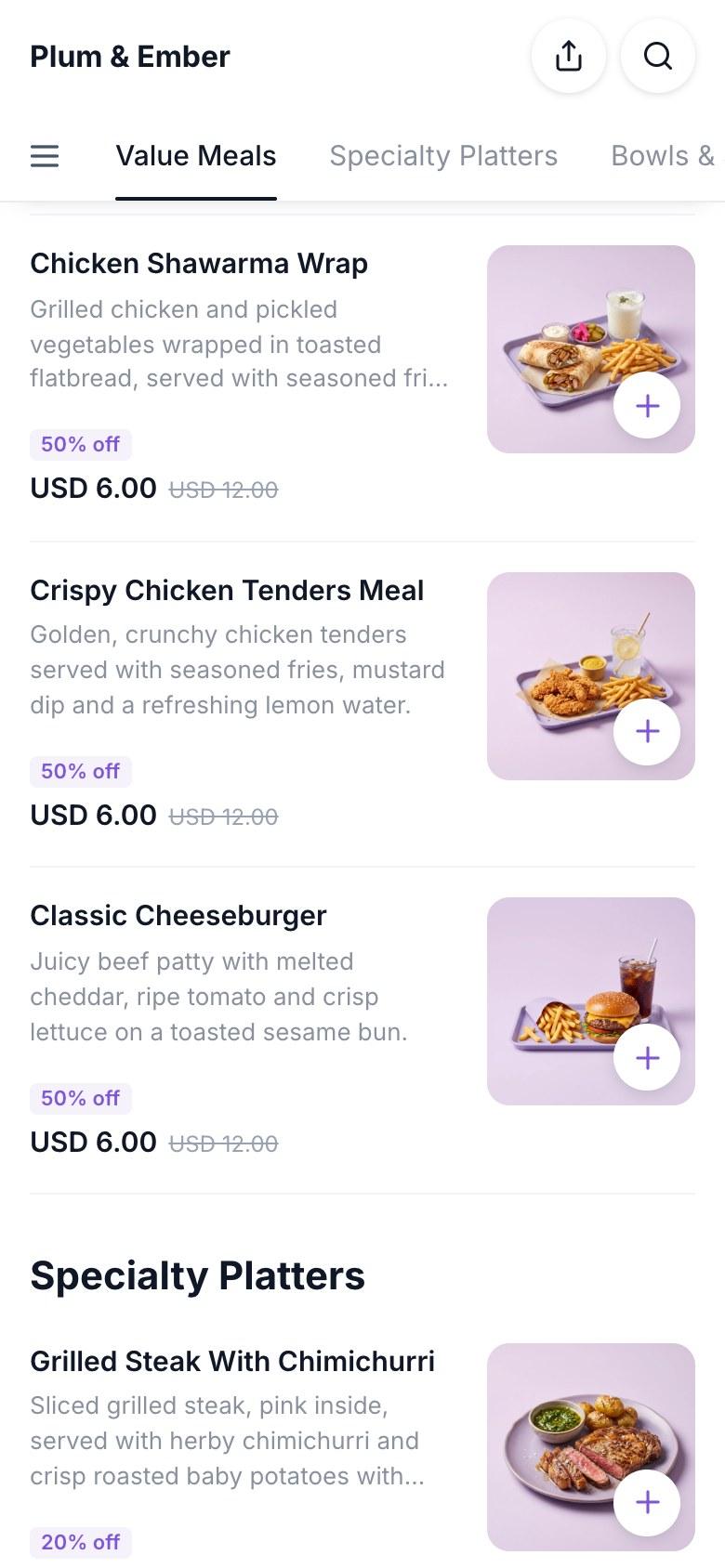
- List: name and description left, photo right. Best for long menus
- Grid: two dishes per row with the photo on top
- Large: one dish per row with a full-width photo
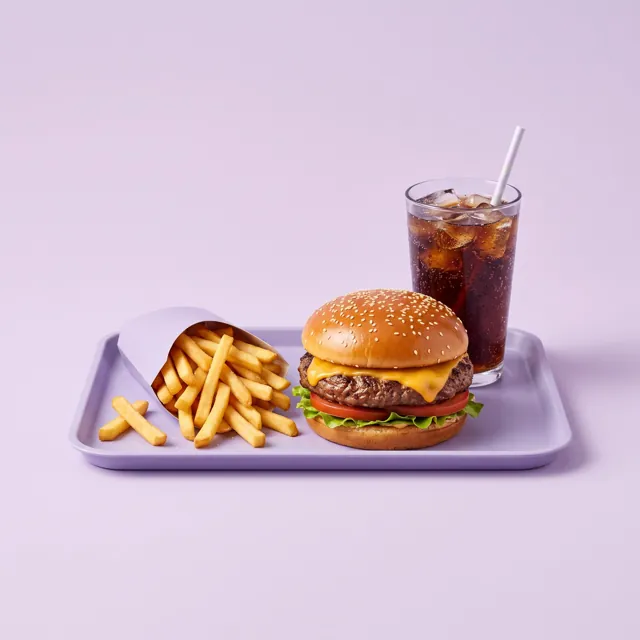
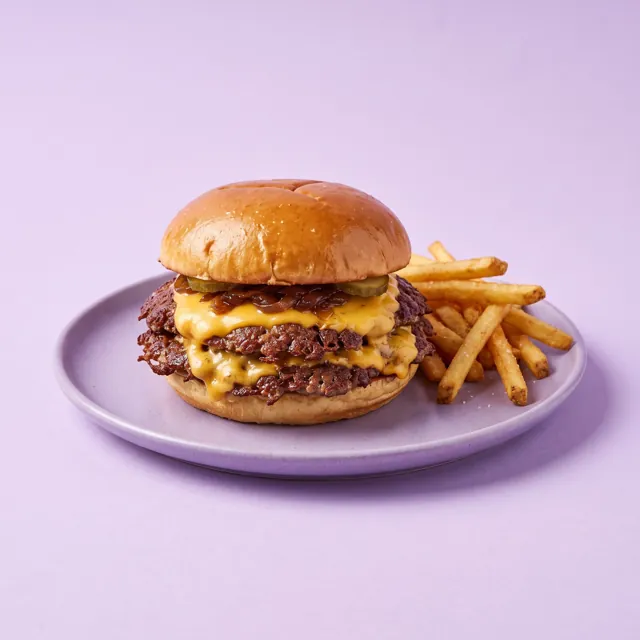
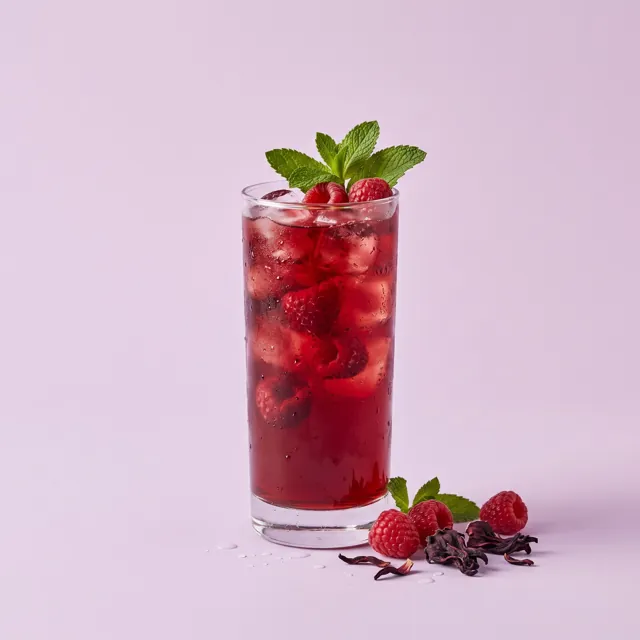
Up to 3 photos for every dish
Guests tap a dish to see big photos, the description, choices and price, then add it to their order from the same screen.
Start free for 14 days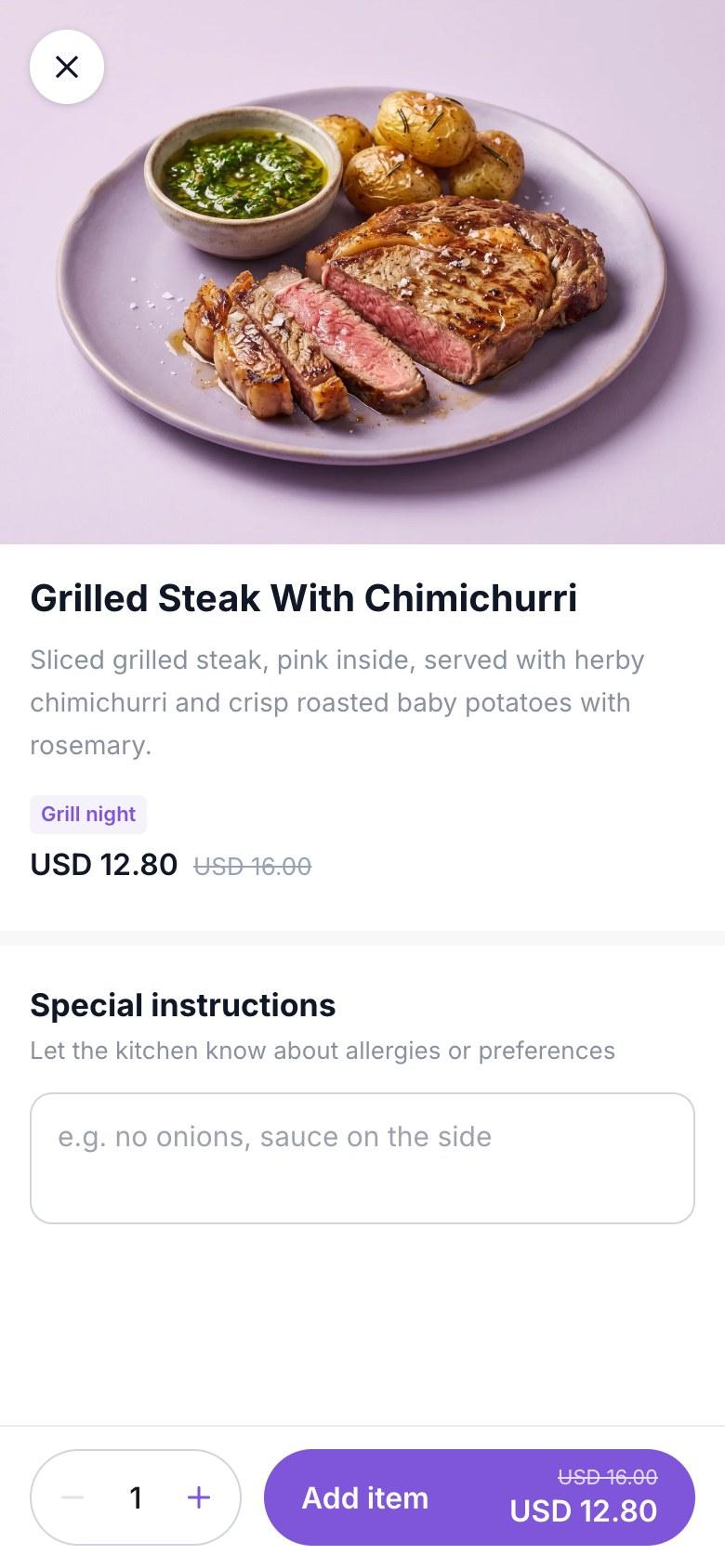
Highlights under your restaurant name
Tell guests what you offer before they scroll: Dine-in, Takeaway, Free Wi-Fi, Halal, Outdoor seating and more. Pick up to 8 or write your own.
Start free for 14 daysPlum & EmberCharcoal grills, bowls and fresh drinksDiscounts and offers on your menu
Run a happy hour, a lunch deal or a launch offer on the whole menu, one section or one dish.
- Percent off or a fixed amount
- Set a start and end time
- Guests see the badge and the old price crossed out
Opening hours, contact and social links
Your menu shows an Open now badge from your opening hours, and ordering pauses when you close. Guests can call you, get directions on Google Maps and follow you on Instagram, TikTok, WhatsApp and more.
Start free for 14 daysA Google reviews button on your menu
Add your Google review link and a "Review us on Google" card appears at the end of your menu. Happy guests leave a review in one tap.
Start free for 14 daysSee every change before you save
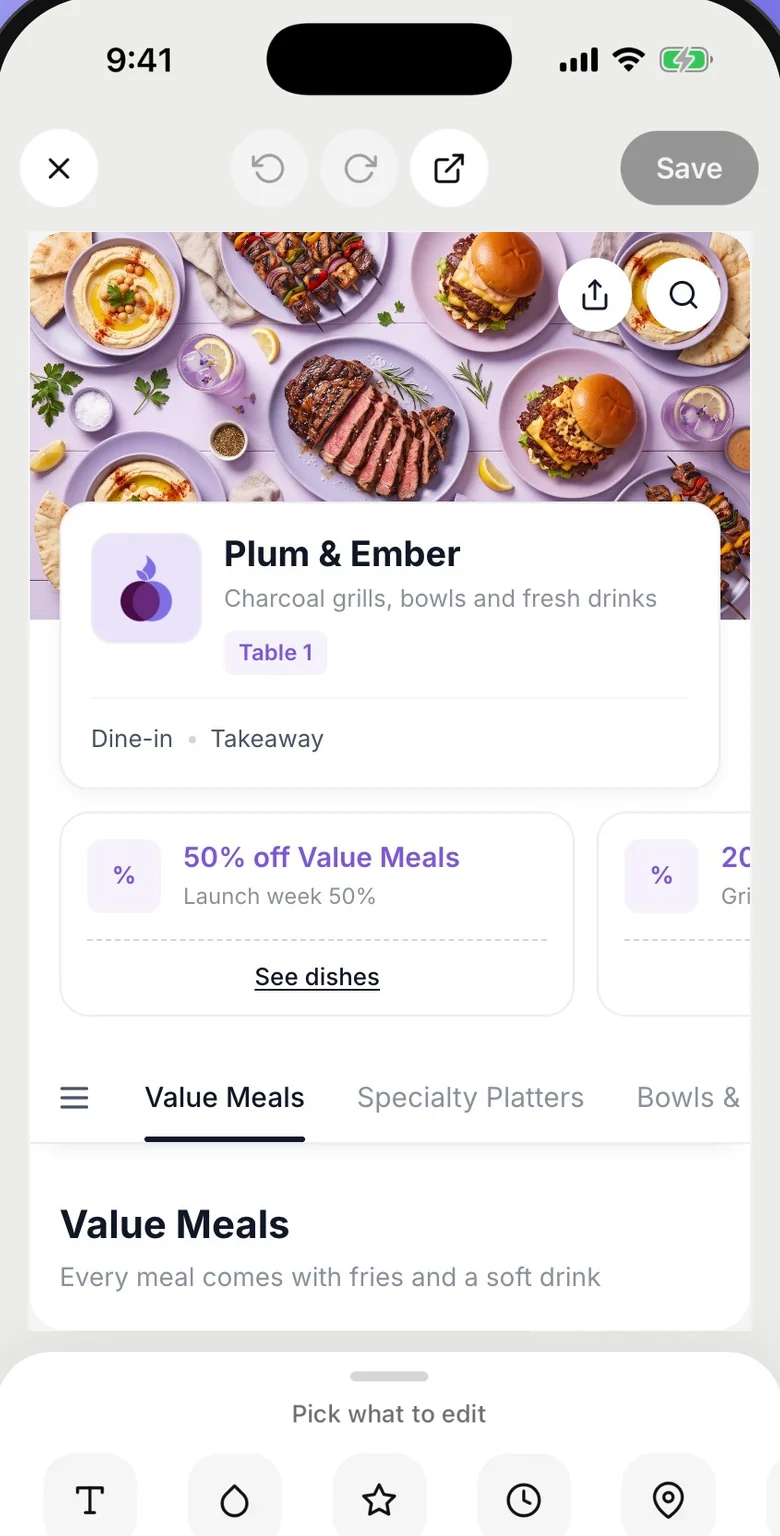
Edit your menu design on your computer or phone, with a live preview of the guest menu as you go.
- Live preview while you edit
- Save once and every table sees it
- Your QR codes and menu link never change
Questions
Do I need a designer to make my digital menu?
No. Upload your logo and a photo, pick a colour and a layout, and save. Most restaurants finish in a few minutes.
Will my QR codes change if I change the design?
No. Your QR codes and menu link stay the same. Guests see the new design the next time they open the menu.
Can each branch have its own design?
Yes. Every branch has its own logo, cover photo, colours and dish layout. A new branch starts with the design of the branch you copy.
Which dish layout should I choose?
Grid and Large work best when most dishes have good photos. List fits long menus and dishes without photos.
Is menu design included in every plan?
Yes. Logo, cover photo, colours, backgrounds and all three dish layouts are included on Starter and Growth.